| Who watches | Trained operators at a monitoring centre, when your site sends them an event | Software analyses every connected camera, around the clock; people only see the alerts | The AI watches every camera and passes its detections to the operators |
|---|
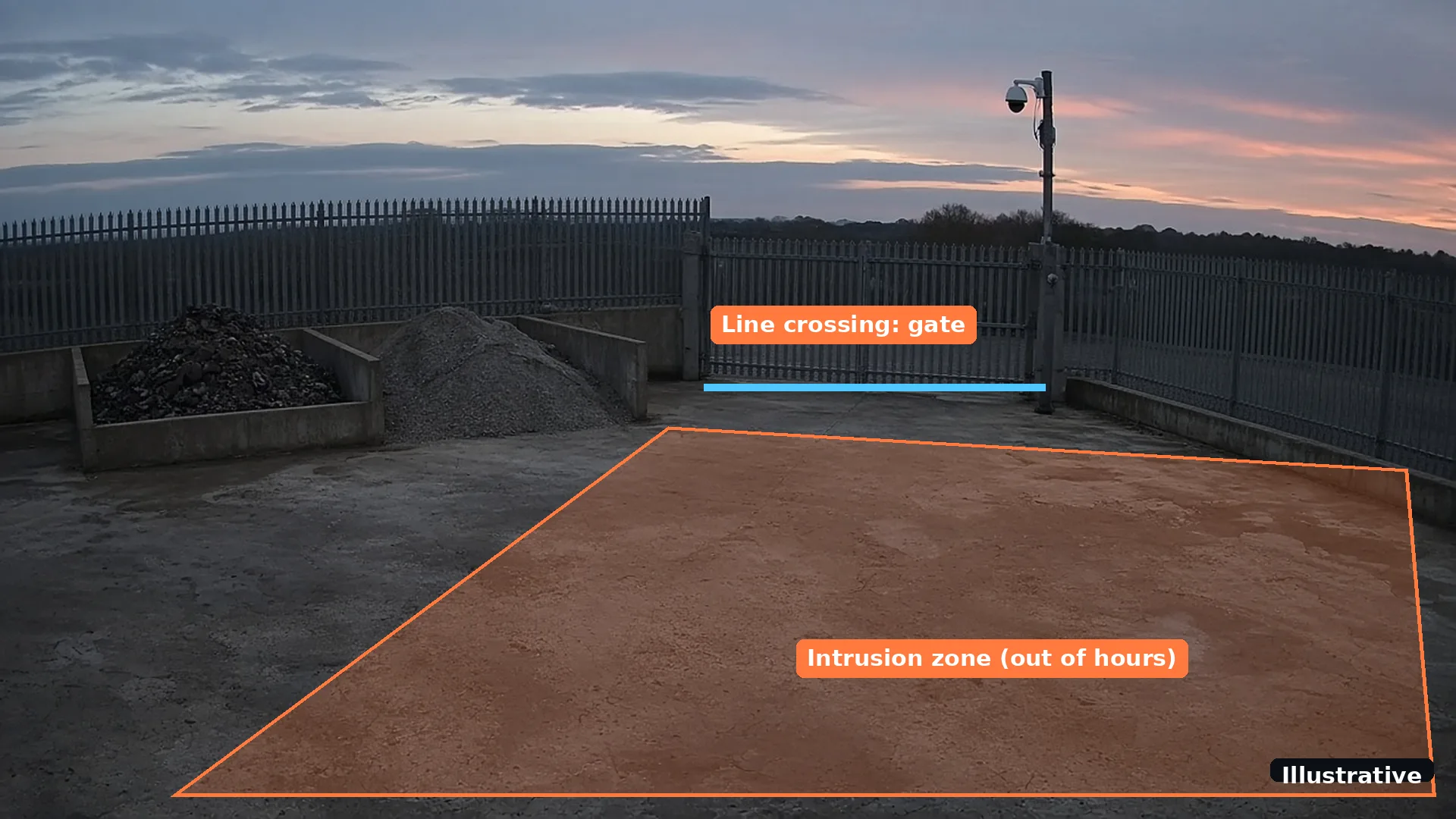
| What raises an alert | Usually motion rules, detectors or on-site analytics that send events to the centre | A recognised person, vehicle, smoke or flame, in the zones and at the times you set | AI detections, sent to the centre with the clip |
|---|
| Rain, spiders, headlights | Each event that is sent has to be checked by an operator | Classified and filtered out; feedback teaches it each camera over time | Far fewer nuisance events reach the operator to check |
|---|
| Who acts on it | The operator, following the response plan agreed with the centre | You or your team, from the app, with the clip in hand | The operator, following the plan agreed with the centre |
|---|
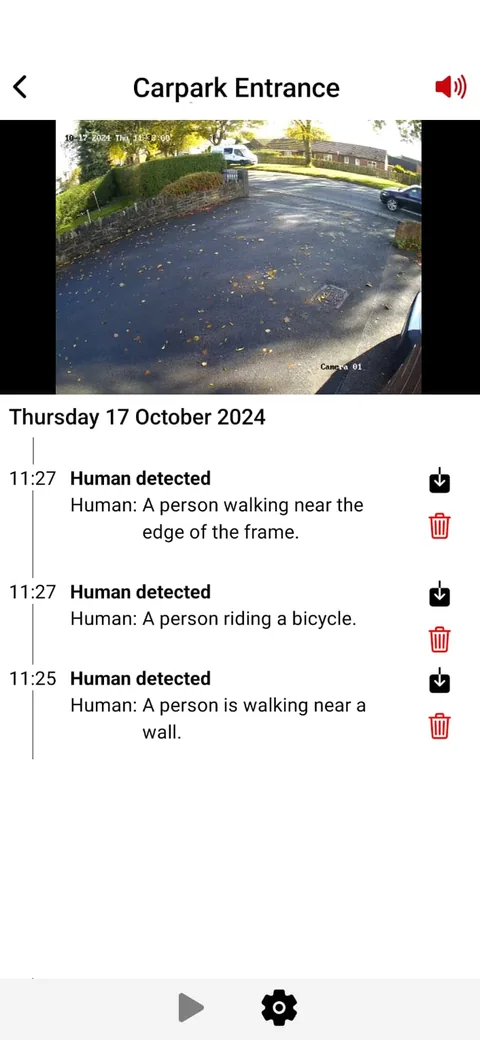
| What you receive | Contact from the centre, as agreed in your plan | Push notification, email or SMS with the clip and a plain-English description | The centre handles the alert as agreed with it |
|---|
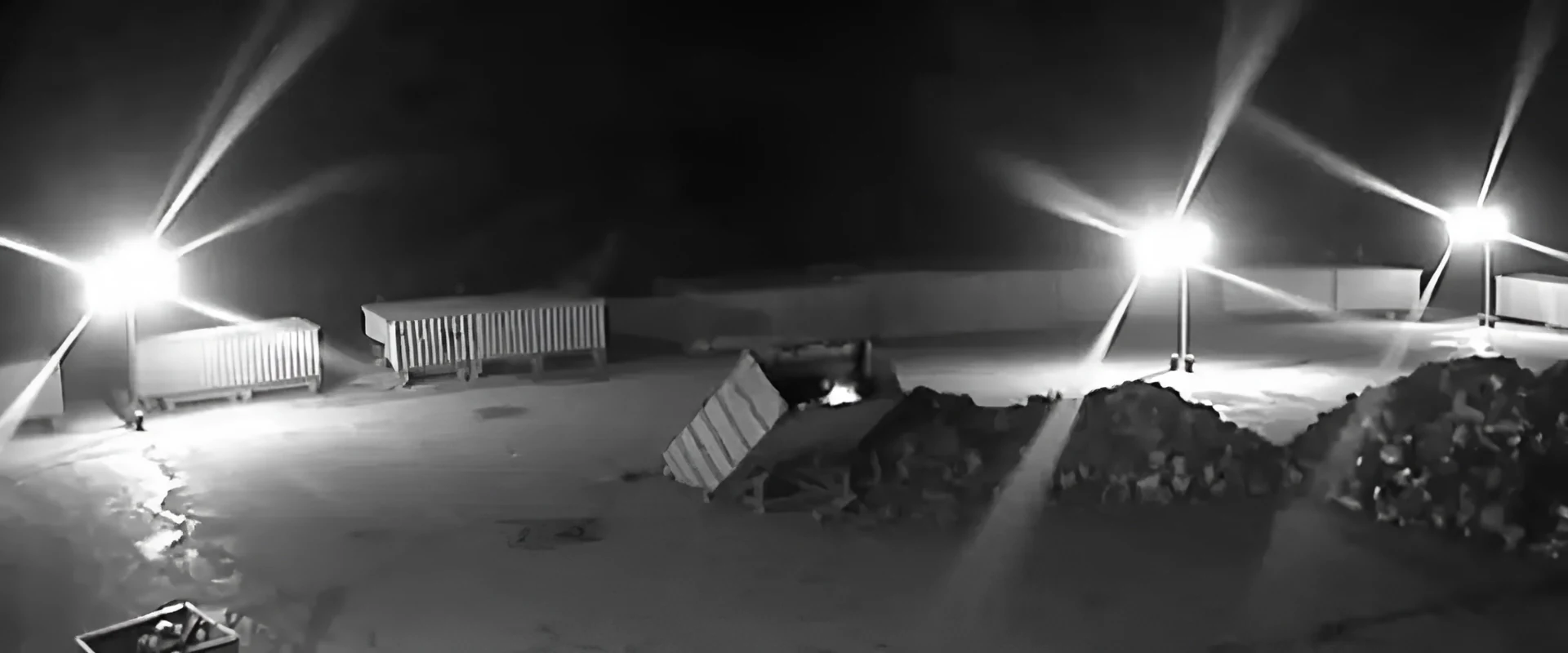
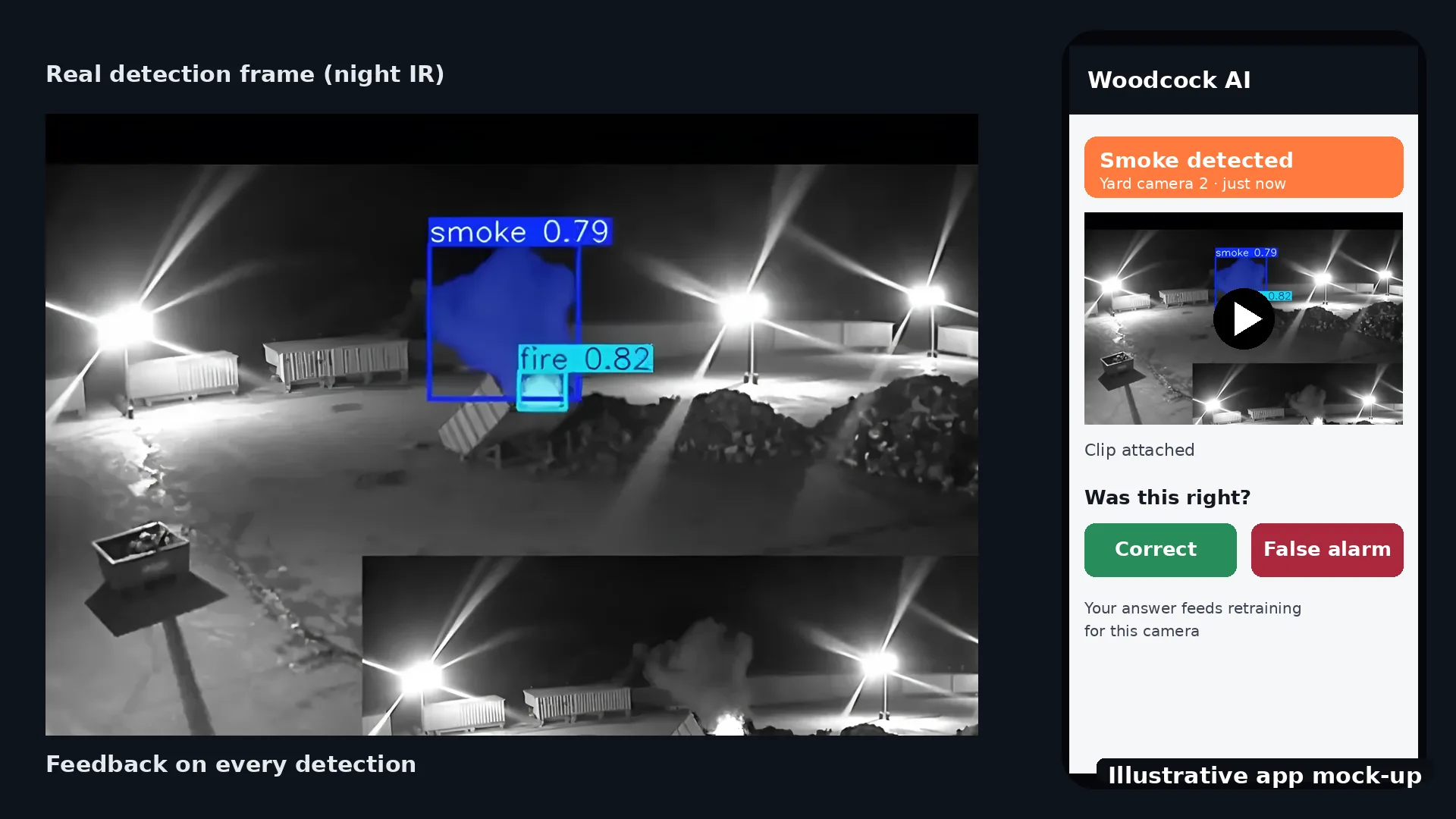
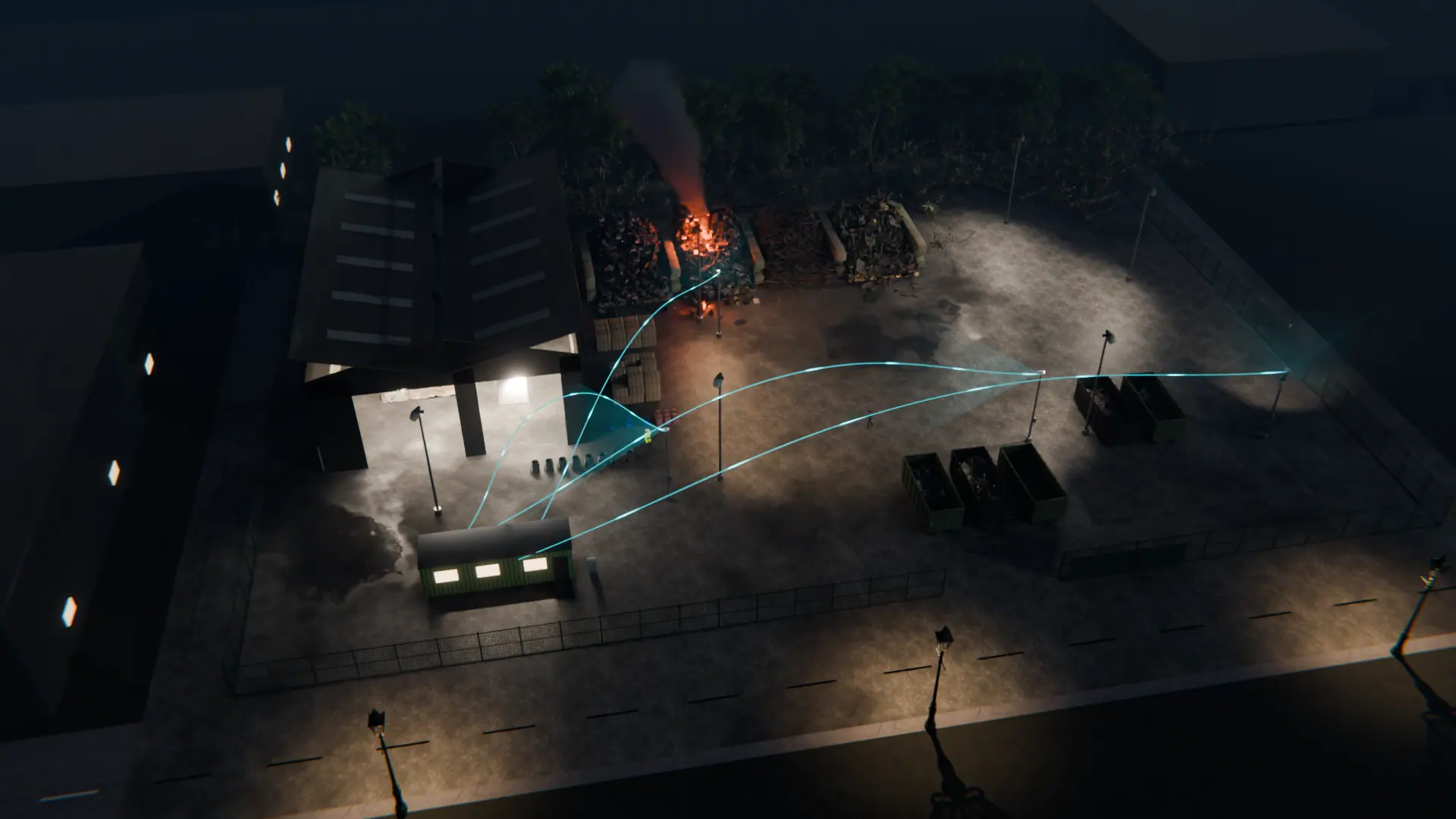
| Smoke and fire | Depends on what is connected to the centre | Visible smoke and flame on camera, as an extra layer alongside certified fire alarms | The same AI detection, with an operator checking it |
|---|
| Learns your site | Operators get to know a site through its alarm history | Yes. It learns each camera, and every detection has a feedback button that feeds retraining | Yes, the same per-site learning |
|---|
| Set-up | A contract with a centre, plus site equipment that can send it events | Connects to your existing ONVIF or RTSP cameras and recorder, through an on-site edge server or the Woodcock AI Cloud | Woodcock AI on your cameras, plus the optional paid ARC add-on, set up at the site assessment |
|---|