

What it is
Guard: A trained person on site, on patrol, at a gate or in a gatehouse.
AI on existing CCTV: Software that analyses your existing cameras and sends an alert with the clip when it sees something it has been set to look for.
Last updated
Guards and AI CCTV do different jobs. A guard gives presence, judgement and on-site response, but sees one area at a time. AI on existing CCTV watches every connected camera at once and alerts by app, with the clip, and email. Many sites use both: AI tells guards where to look.
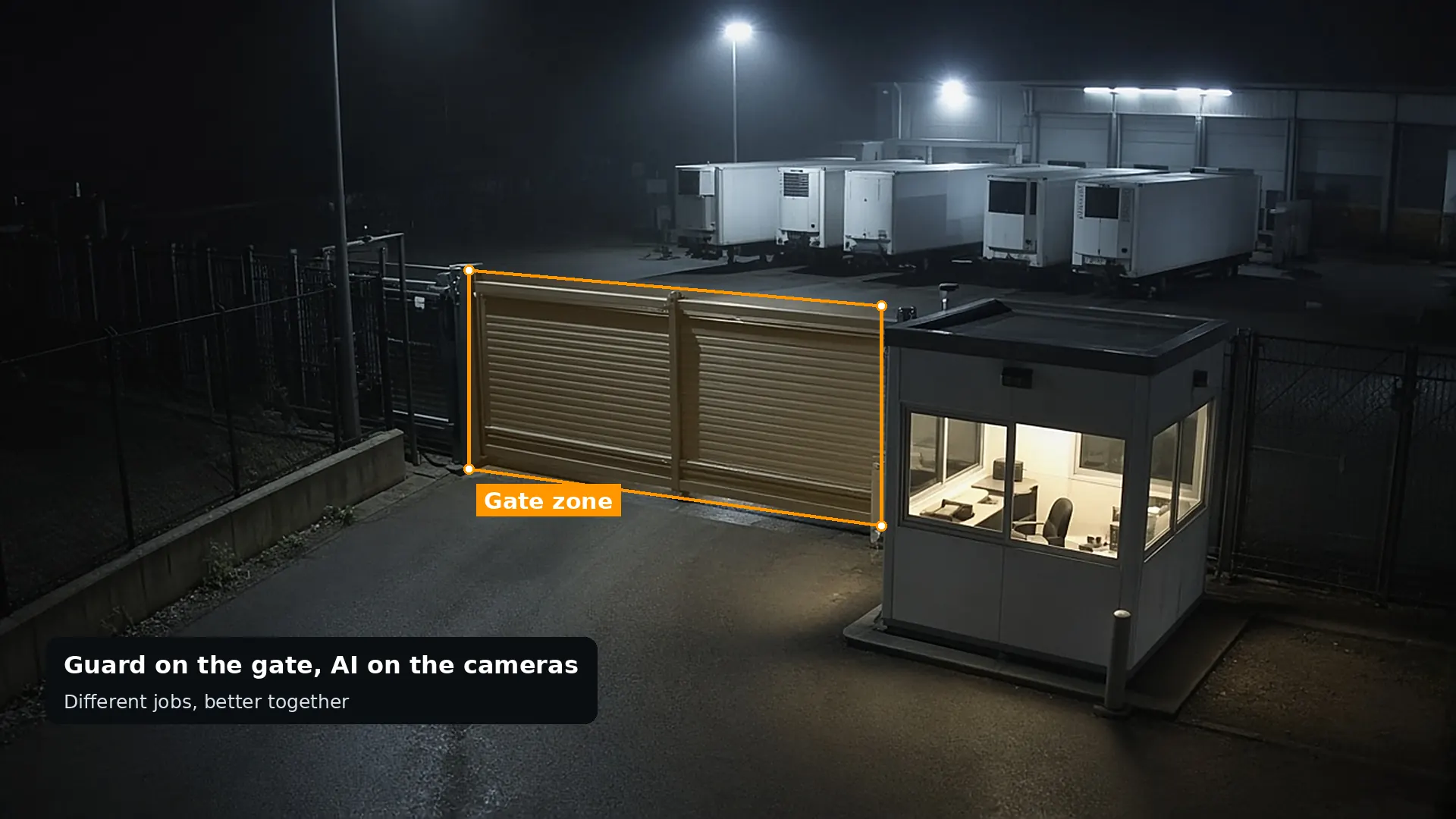
A guard is stronger on presence, judgement and acting on site; AI on existing CCTV is stronger on constant coverage of every camera and a recorded clip for every alert. This compares the roles, not costs.
| Security guard | AI on existing CCTV | |
|---|---|---|
| What it is | A trained person on site, on patrol, at a gate or in a gatehouse. | Software that analyses your existing cameras and sends an alert with the clip when it sees something it has been set to look for. |
| Presence | Visible on site. Can speak to visitors, challenge people and deter by being there. | No physical presence. It relies on the cameras, signage, lights or audio you already have. |
| Coverage | Sees what is in front of them at the time. A patrol covers one area at a time. | Watches every connected camera at once, where each camera has a clear view. |
| Judgement | Full human judgement, context and common sense. | Classifies what it sees, such as a person, a vehicle, smoke or flame, and learns each camera on your site with feedback. |
| Response | Can act on the spot: lock up, call the emergency services, give first aid, manage access. | Alerts the people you choose by app and email, with the clip. Alerts to a monitoring centre (ARC) and phone-call alerts are available as optional add-ons. |
| Record | Logbooks and incident reports. | A clip and a time for every alert, kept in the app. |
| Rules | Contracted guards need a front line SIA licence, and you must check it before hiring.[1][2] Lone working risks must be managed.[3] | CCTV must follow data protection law; the ICO publishes guidance and a self-assessment checklist.[4] |
| Out of hours | Covers the hours someone is rostered on site. | Runs to a schedule you set for each camera, including nights, weekends and holidays. |
| Detection areas | A patrol route, a gatehouse view and the screens in front of them. | Polygon detection areas drawn on each camera, plus line crossing at gates and fences, so parked vehicles and the road outside are left out. |
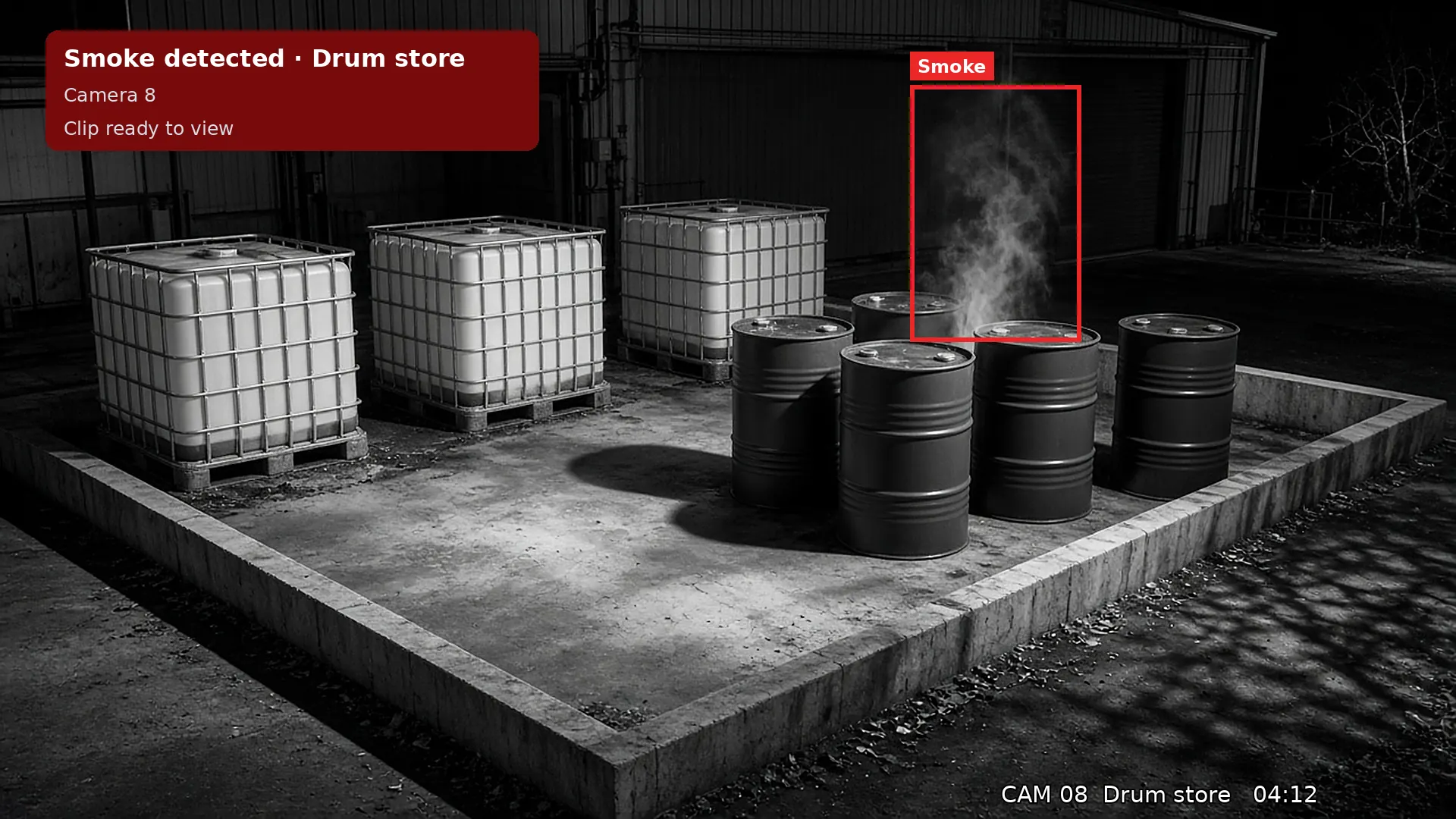
| Fire and smoke | Can spot smoke on patrol or on screen, and raise the alarm. | Alerts on visible smoke or flame where a camera can see it. It supports, and does not replace, your fire alarm. |
Guard: A trained person on site, on patrol, at a gate or in a gatehouse.
AI on existing CCTV: Software that analyses your existing cameras and sends an alert with the clip when it sees something it has been set to look for.
Guard: Visible on site. Can speak to visitors, challenge people and deter by being there.
AI on existing CCTV: No physical presence. It relies on the cameras, signage, lights or audio you already have.
Guard: Sees what is in front of them at the time. A patrol covers one area at a time.
AI on existing CCTV: Watches every connected camera at once, where each camera has a clear view.
Guard: Full human judgement, context and common sense.
AI on existing CCTV: Classifies what it sees, such as a person, a vehicle, smoke or flame, and learns each camera on your site with feedback.
Guard: Can act on the spot: lock up, call the emergency services, give first aid, manage access.
AI on existing CCTV: Alerts the people you choose by app and email, with the clip. Alerts to a monitoring centre (ARC) and phone-call alerts are available as optional add-ons.
Guard: Logbooks and incident reports.
AI on existing CCTV: A clip and a time for every alert, kept in the app.
Guard: Contracted guards need a front line SIA licence, and you must check it before hiring.[1][2] Lone working risks must be managed.[3]
AI on existing CCTV: CCTV must follow data protection law; the ICO publishes guidance and a self-assessment checklist.[4]
Guard: Covers the hours someone is rostered on site.
AI on existing CCTV: Runs to a schedule you set for each camera, including nights, weekends and holidays.
Guard: A patrol route, a gatehouse view and the screens in front of them.
AI on existing CCTV: Polygon detection areas drawn on each camera, plus line crossing at gates and fences, so parked vehicles and the road outside are left out.
Guard: Can spot smoke on patrol or on screen, and raise the alarm.
AI on existing CCTV: Alerts on visible smoke or flame where a camera can see it. It supports, and does not replace, your fire alarm.
AI CCTV covers every connected camera at the same time; a guard covers what is in front of them and whatever a patrol reaches. Neither covers a blind spot that no camera or patrol can see, so the best plans use each where it is strongest.
A patrol is a sequence. While the guard checks the far fence, the rest of the yard waits until they come back round. Cameras do not move, but every connected camera is analysed at once, so a person climbing the fence at the far end of the yard can raise an alert while the guard is still at the gate, provided a camera has a clear view of that spot.
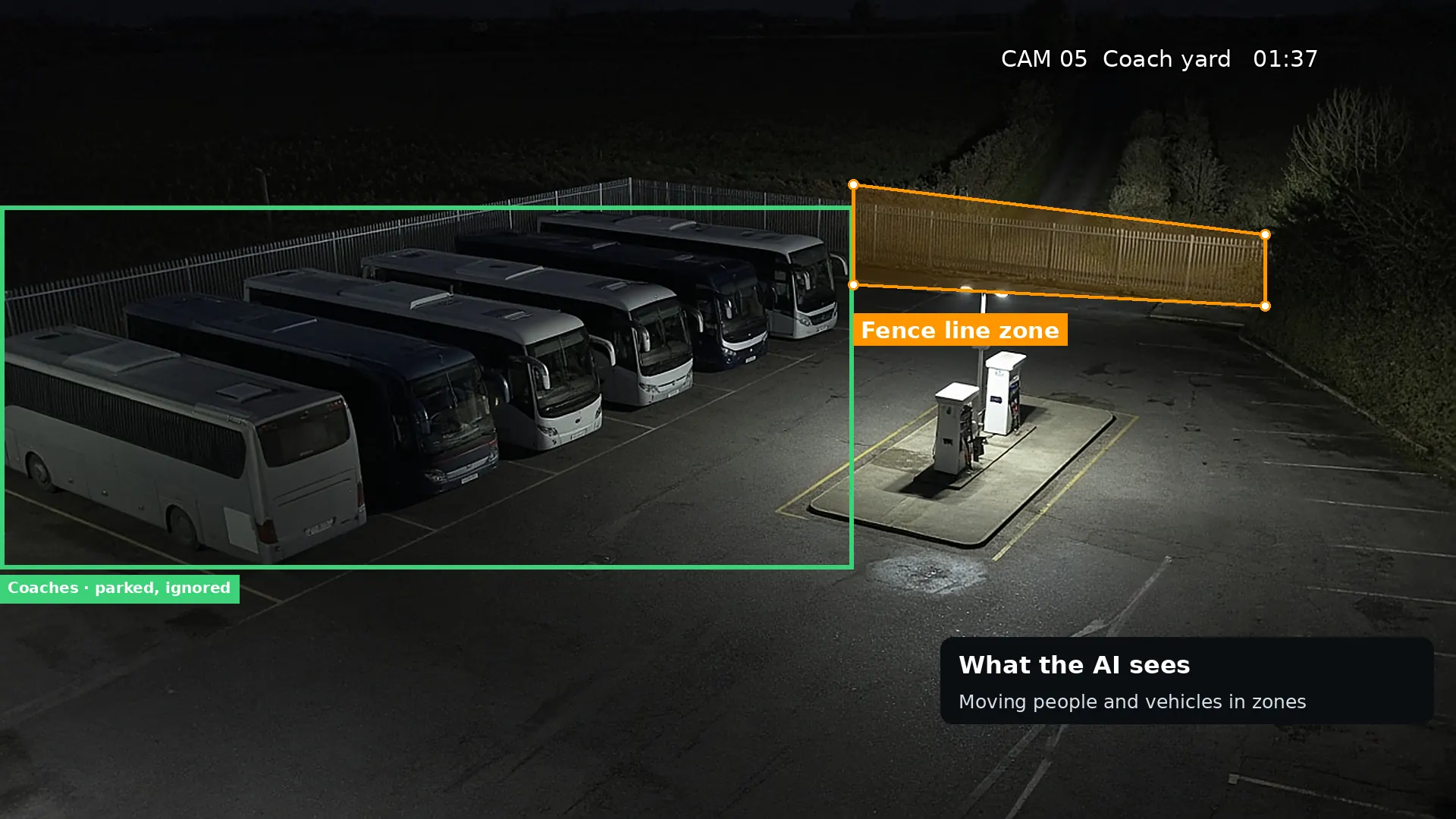
Polygon detection areas follow the exact line of a fence, a yard or a doorway, and line crossing marks a gate or boundary, so parked vehicles and the road outside are left out. Each camera can run its own schedule, for example only after the site closes.
Guards still cover what cameras cannot: inside buildings without cameras, a visitor at the gate, a door left open or a vehicle that needs moving. Our out-of-hours site security checklist helps you find those gaps.
The AI watches; people decide. An alert arrives with the clip, so whoever receives it, a guard, a keyholder or your own team, can see what triggered it and choose what to do.
AI on existing cameras classifies what it sees, such as a person, a vehicle, smoke or flame, and learns each camera on your site, with a feedback button to mark alerts as useful or not. That helps cut the alerts caused by rain, headlights or animals, so the people responding are not sent to check every movement. See the guide to reducing CCTV false alarms.
AI alerts point the guard to the camera that saw something, with the clip, so they can check it before walking out to a far corner. The guard stays in charge of what happens next.
AI watches the existing cameras and alerts a keyholder or your own team with the clip. Alerts to a monitoring centre (ARC) and phone-call alerts are available as optional add-ons.
Where a camera can see it, AI can alert on visible smoke or flame. It complements, and does not replace, certified fire alarms.
The AI sees people and vehicles inside the detection areas drawn on each camera; the guard receives the clip of that moment, so they know where to go and what to expect.
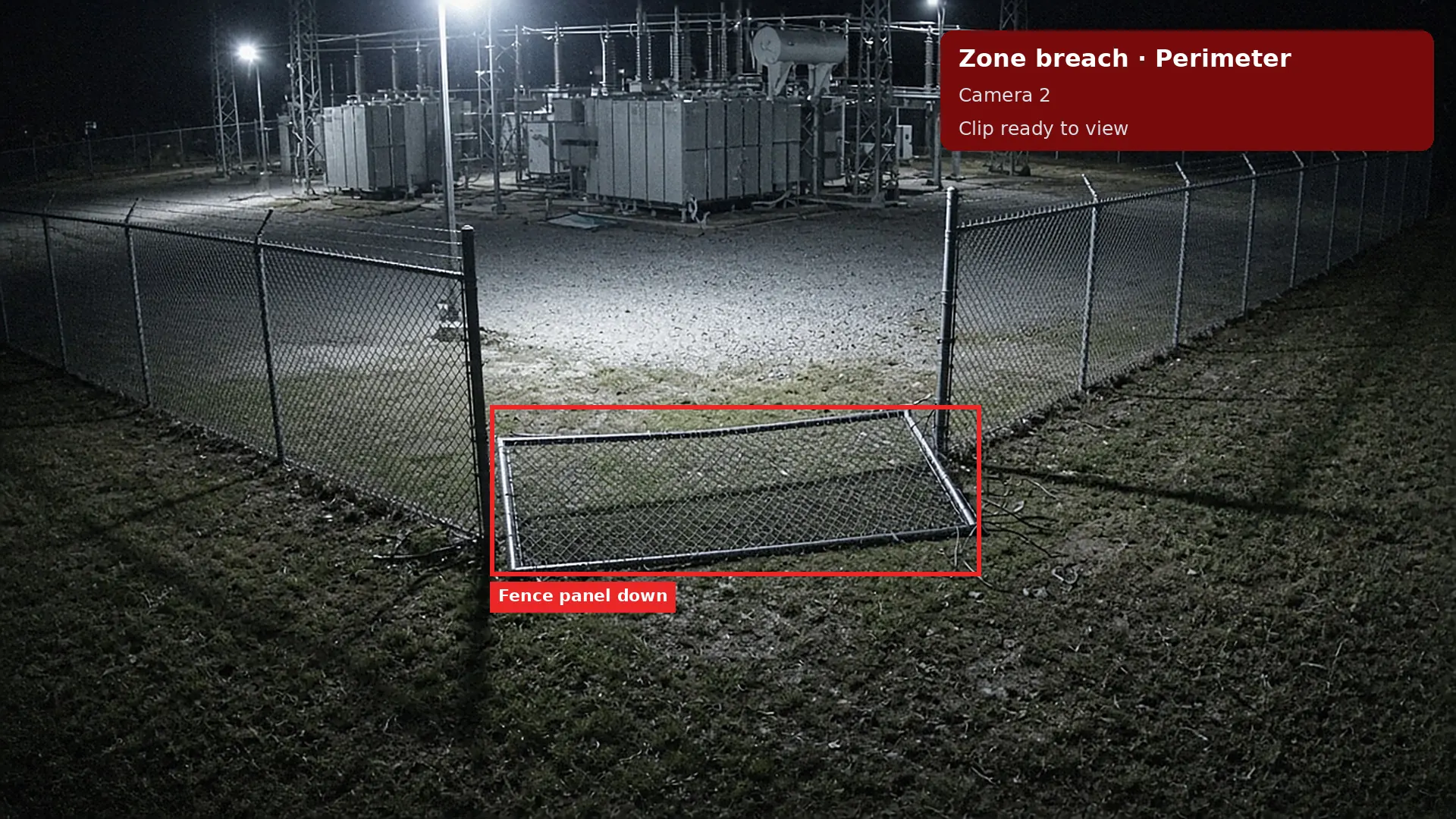
A guard is the better choice when you need someone physically on site: managing a gate or visitors, challenging people, responding in person, or doing tasks such as locking up and checks. Your insurer or contract may also require one. Whichever you use, our out-of-hours site security checklist covers the basics of locking up.
AI on existing CCTV helps most on large or spread-out sites with many cameras, in quiet hours, on sites with no guard out of hours, and where cameras can see areas at risk of fire. It works on the cameras you already have, and what each camera can see is confirmed in a free site assessment. If extra coverage is needed, see CCTV installation. If you are weighing a monitoring centre too, see AI CCTV vs remote CCTV monitoring.
Guards and the rules. Guards supplied under a contract usually need a front line SIA licence, and you must check it before hiring.[1][2] Employers must manage the risks before anyone works alone, and HSE gives security staff as an example of lone working.[3] Any CCTV, with or without AI, must follow data protection law.[4]
A free site assessment checks which of your existing cameras can be connected, what each can see and which detections are supported.
By default, each alert goes by app push notification, with the clip, and by email to the people you choose. Monitoring-centre (ARC) alerts and phone-call alerts are optional add-ons for when nobody is watching the app, such as overnight.
With a guard on site, the alert tells them where to look instead of waiting for the next patrol. Without one, the ARC add-on means a monitoring operator can review the clip and follow the response you have agreed. For a fully remote service, compare AI CCTV vs remote CCTV monitoring.
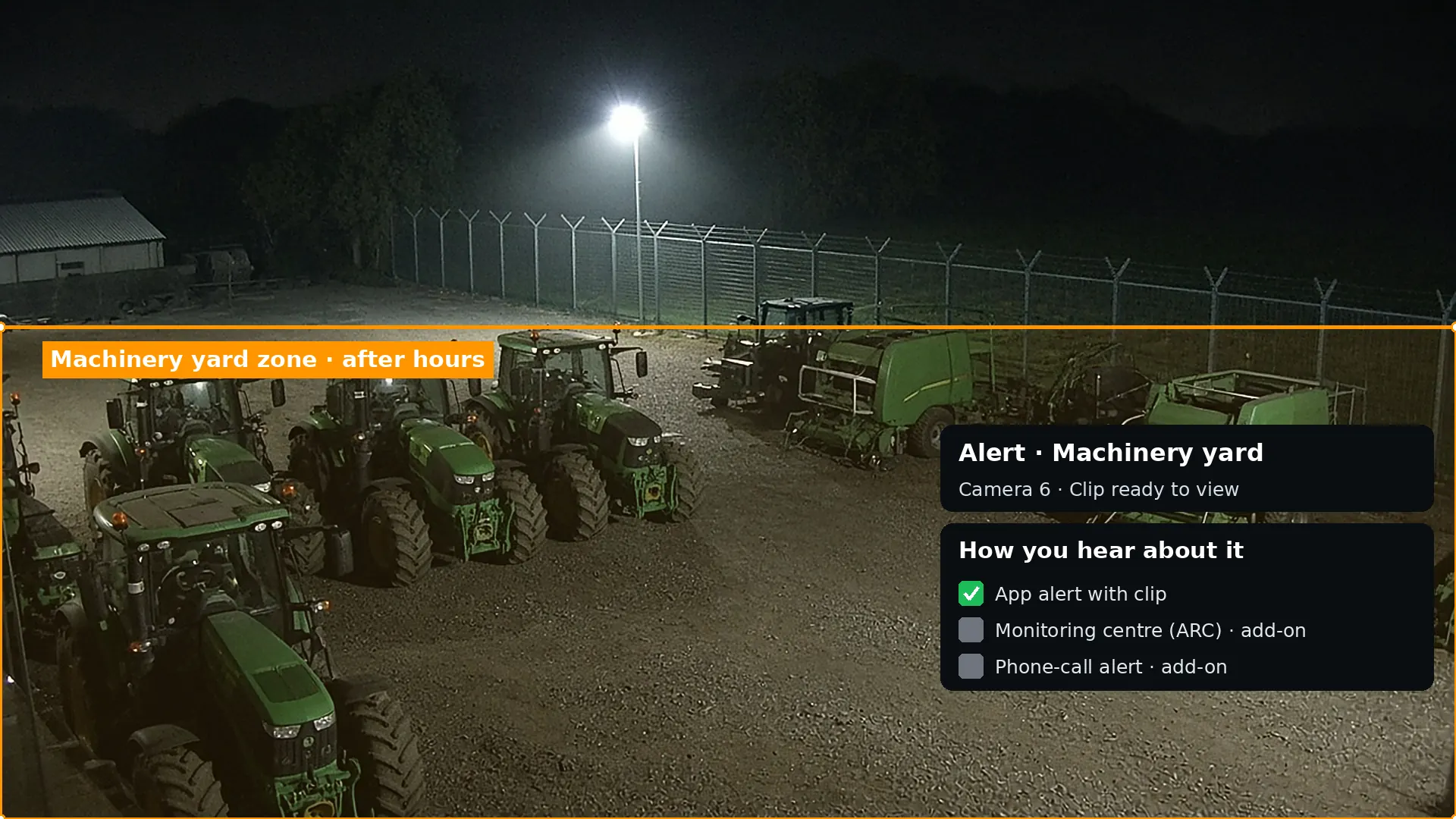
Each alert arrives by app push notification and email, with the clip and the camera name, so the person receiving it can see what happened before deciding what to do.
Stay here if you are weighing guards against cameras. To choose detection technology, plan fire detection for a permitted waste site or cut nuisance motion alerts, these pages go deeper.
Not in general. A guard brings presence, judgement and the ability to act on site, which cameras cannot. AI on existing CCTV adds constant watching of every connected camera and an alert with the clip. Most sites that use both treat AI as a way to help guards and keyholders, not as a replacement.
The AI watches the cameras and sends an alert with the clip to the guard, the keyholder or your own team. The guard can check the clip, decide what it is and choose how to respond. Alerts to a monitoring centre (ARC) and phone-call alerts are available as optional add-ons.
When you need someone physically on site: managing a gate or visitors, challenging people, responding in person, or doing tasks such as locking up and checks. Your insurer or contract may also ask for a guard.
Yes, as an optional add-on. By default, alerts go by app, with the clip, and email to the people you choose. Monitoring-centre (ARC) alerts and phone-call alerts can be added, so an alert reaches a monitoring operator or rings a keyholder when nobody is watching the app.
Employers must manage the risks before people work alone, and HSE gives security staff as an example of lone working.[3] An alert with the clip can let a guard see what triggered it before going to look. It is not a lone working system in itself.
Woodcock AI works with the cameras you already have. Which cameras and detections are supported on your site is confirmed in a free site assessment.
Any CCTV, with or without AI, must follow data protection law. The ICO publishes guidance and a CCTV self-assessment checklist.[4]
General information, not legal or security advice.
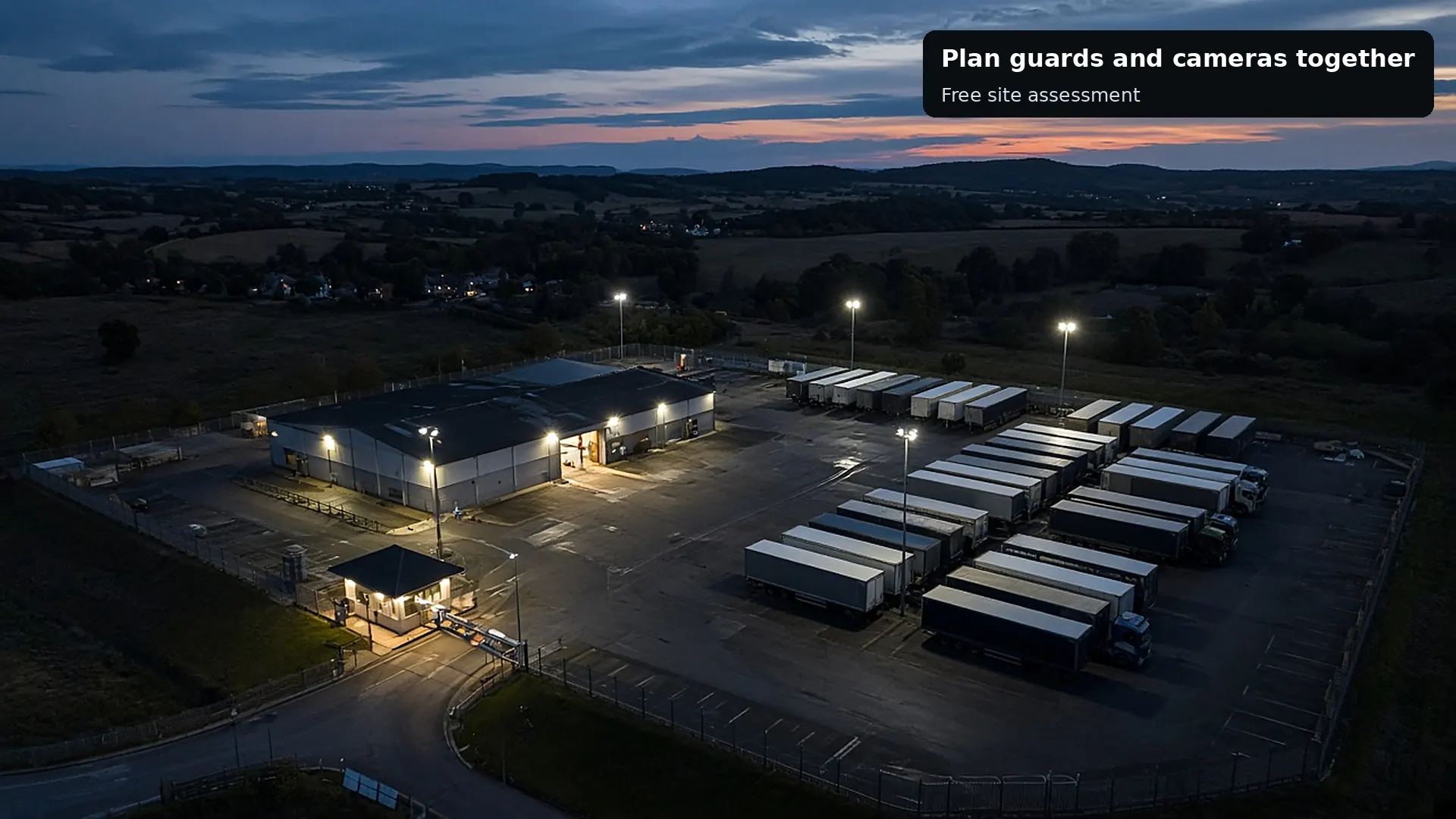
Book a site assessment to find out: it checks which existing cameras can be connected and what each can see. Or ask for a live test on 2–3 of your own cameras for about a fortnight.
Dusk aerial of a haulage depot with parked trailersNot sure which is right for your site?
Weighing guards against cameras for burglary? See our commercial burglary prevention guide.
Looking at perimeter detection alongside guards and patrols? See our guide comparing perimeter intrusion detection options.
Weighing up guards for a forecourt? See our car dealership security guide.
Weighing up patrols for a car park? See our car park security guide.