Push notification
Straight to your phone or tablet, with what was detected and where.
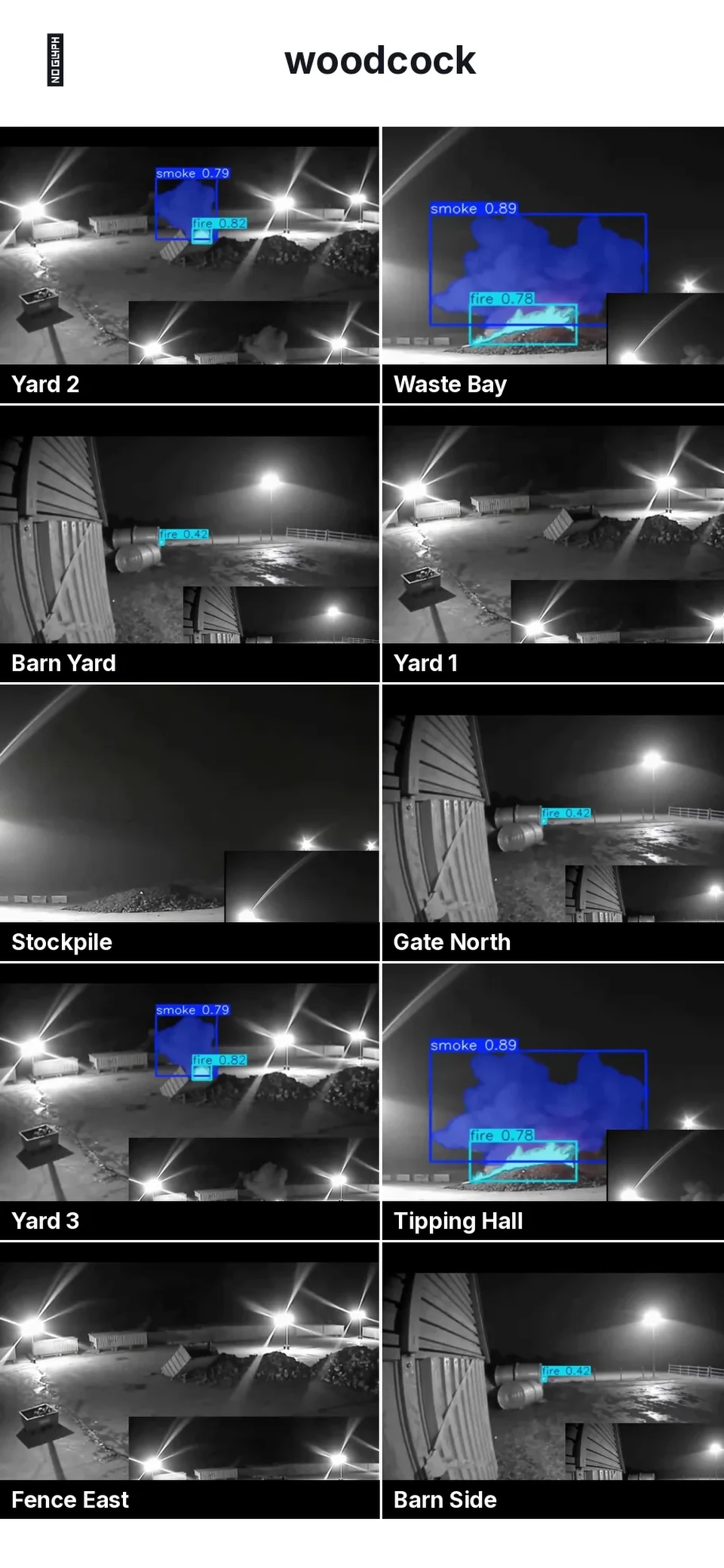
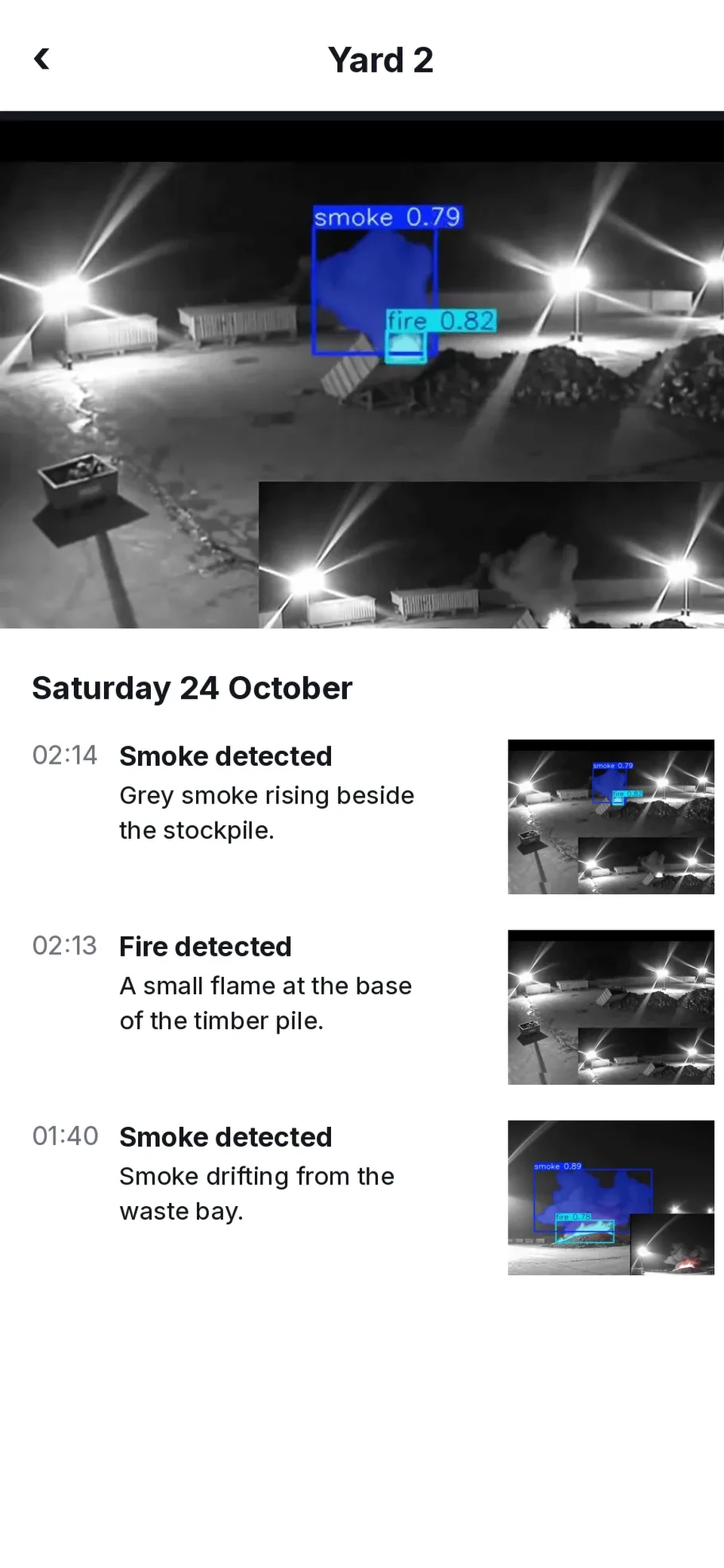
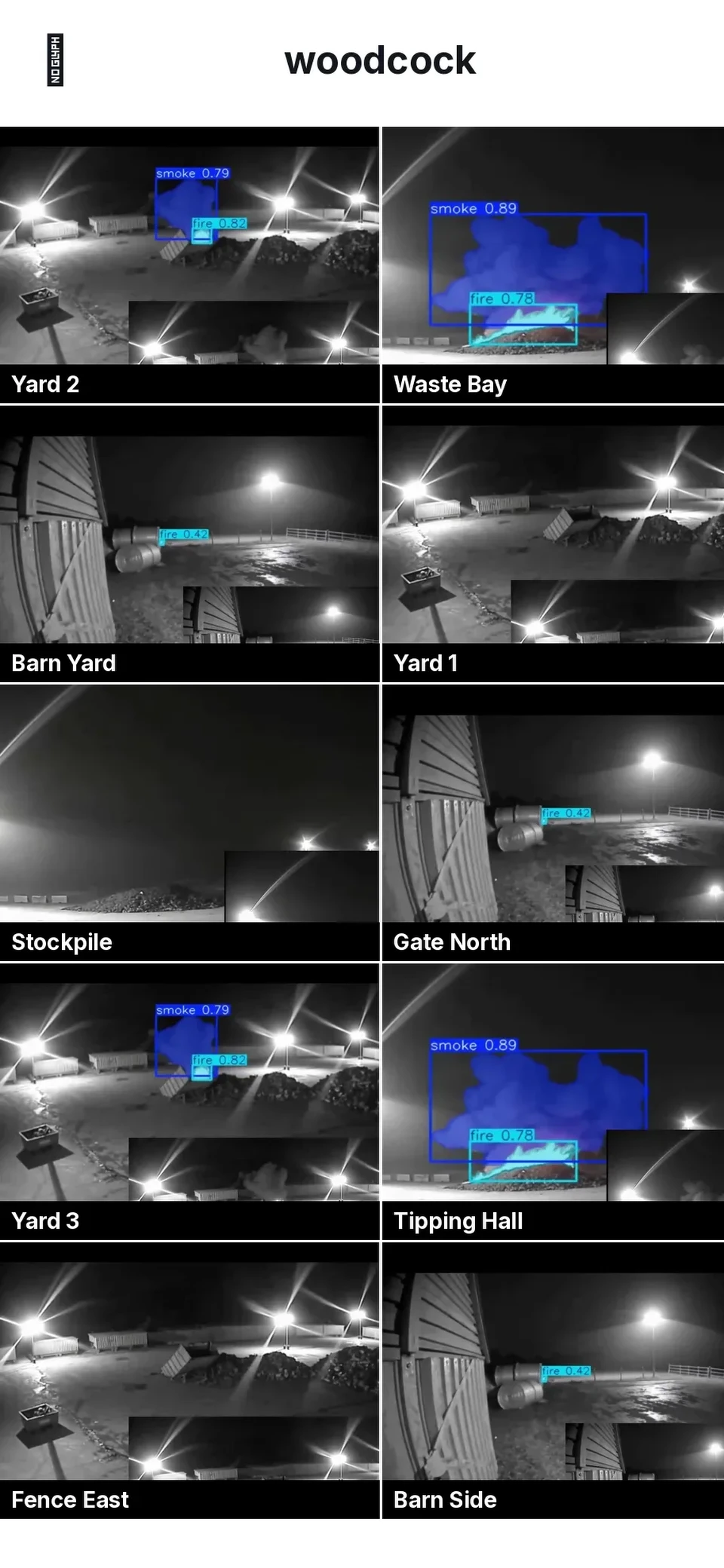
The Woodcock AI app puts every camera in your pocket. Watch live, scroll a timeline of events that each come with a written AI description, set what each camera should look for, and get alerted the way you choose.
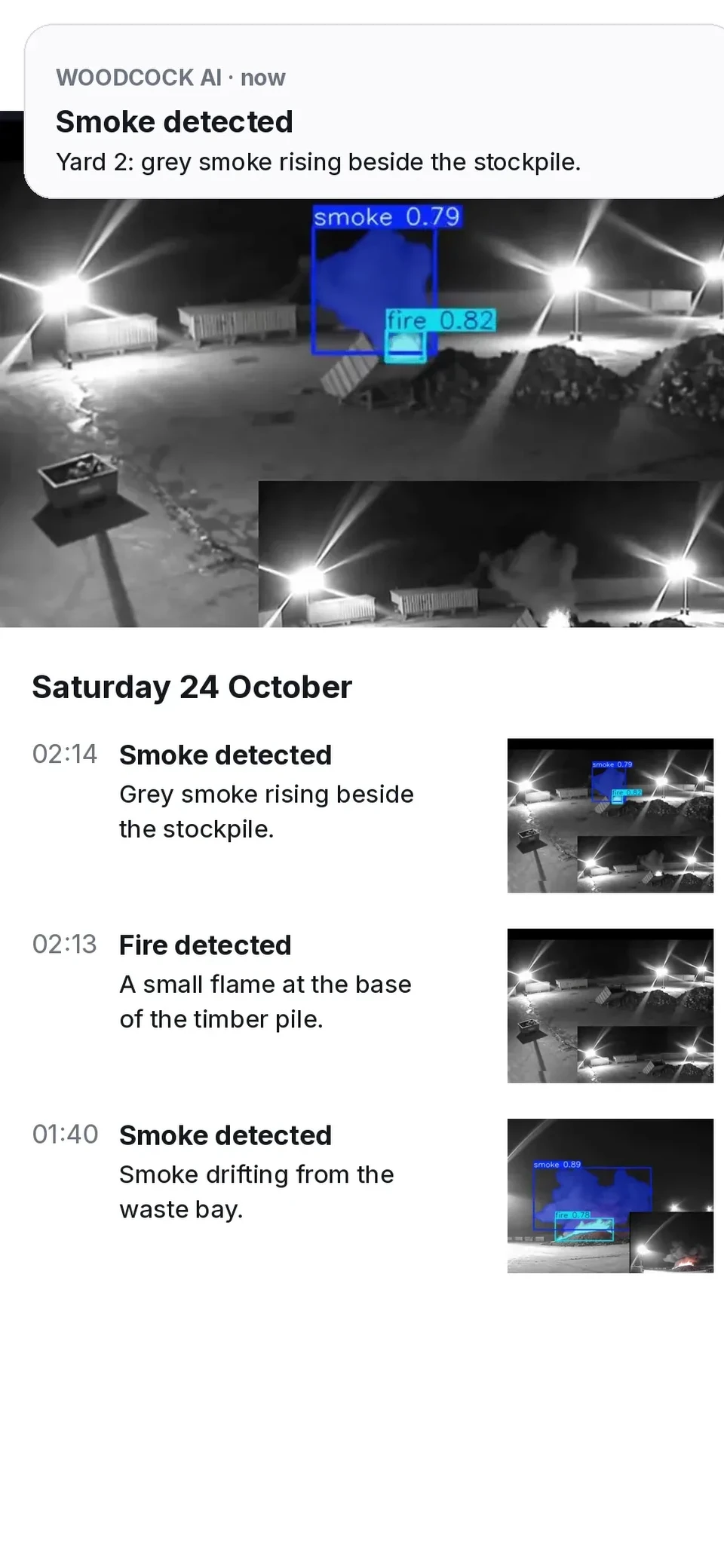
These are real screens from the Woodcock AI app, from live sites. Pick a feature to see it on the phone.
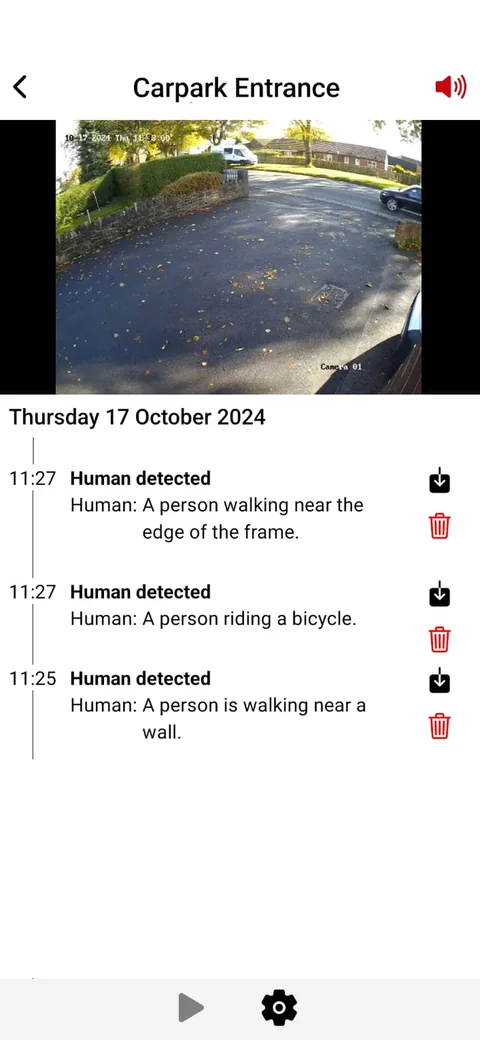
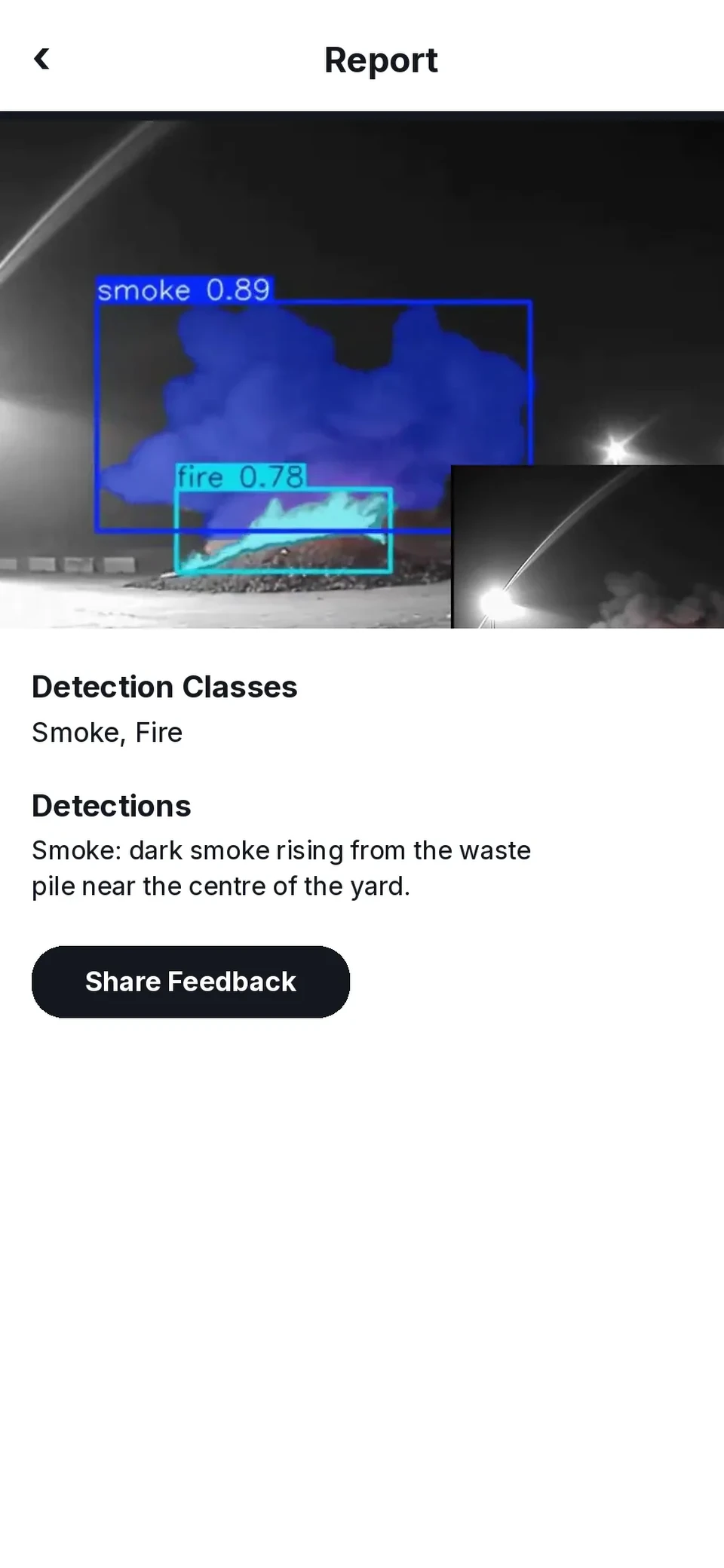
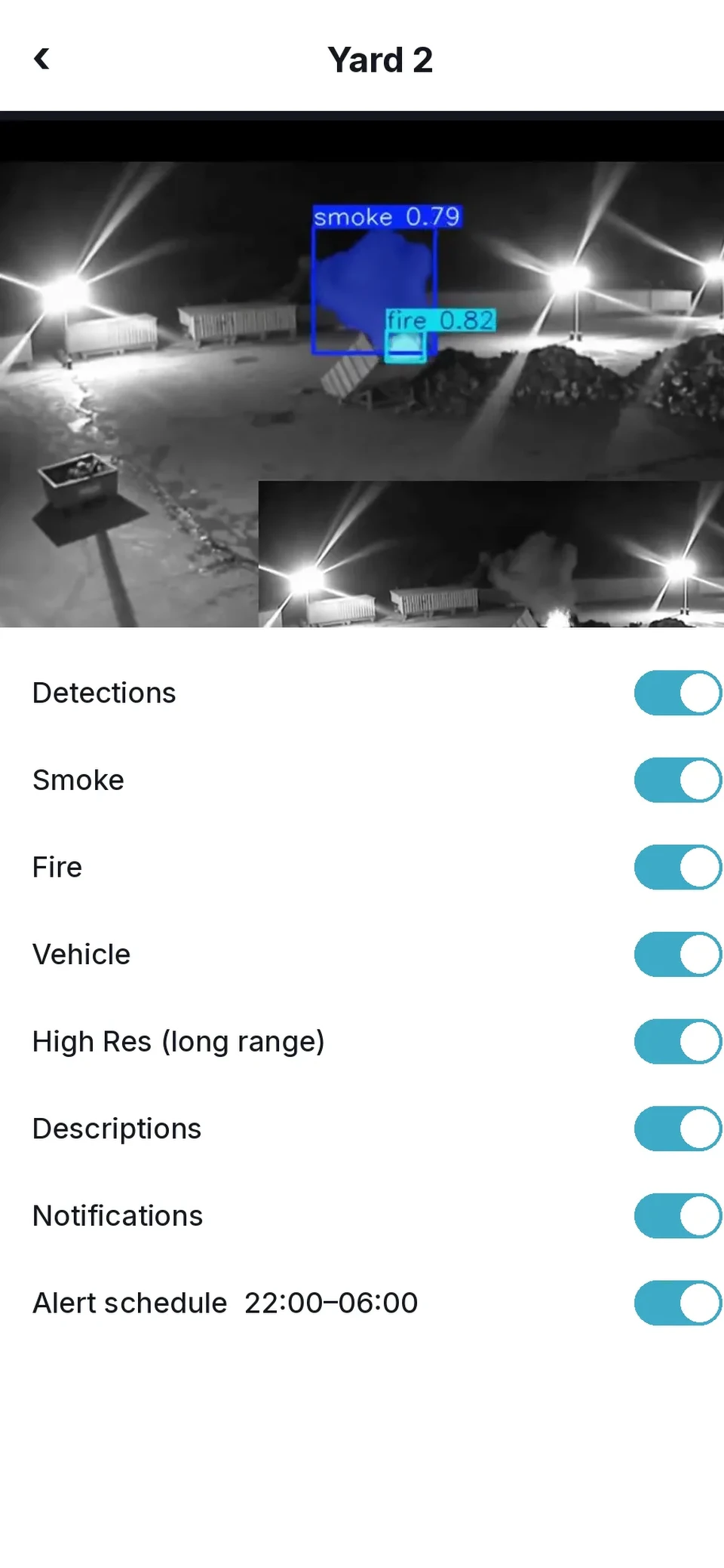
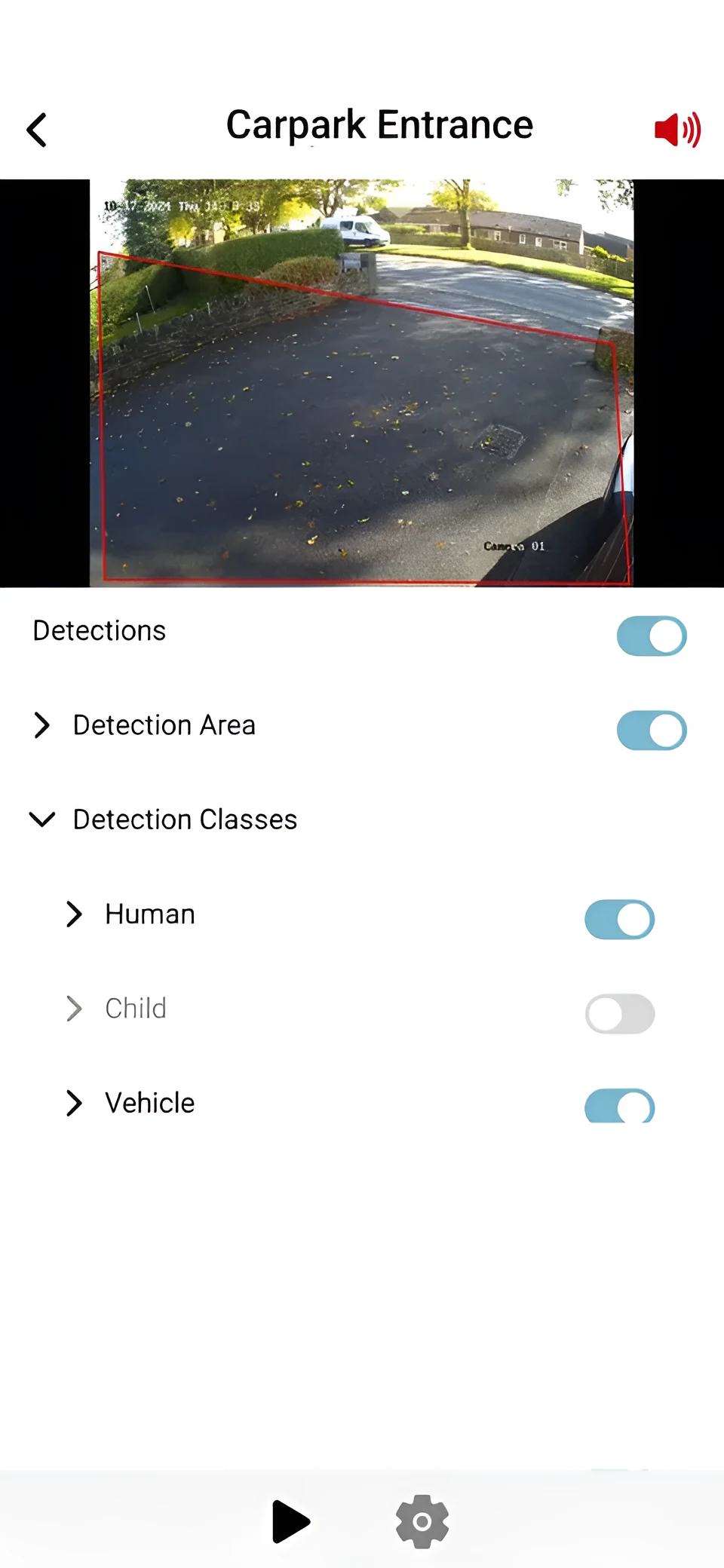
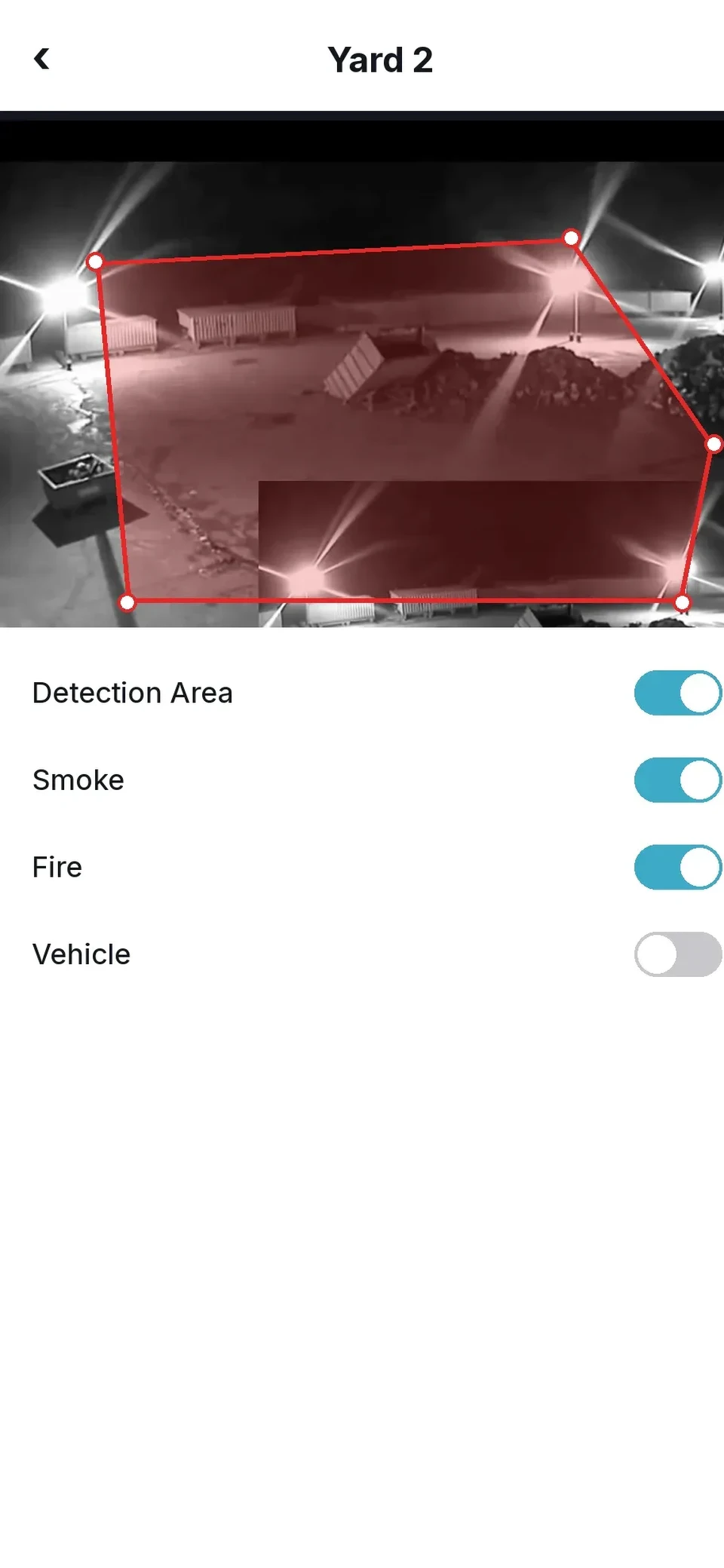
Alerts are tailored to you. Choose which detections matter on each camera, set a schedule for when you want to hear about them, and pick how the alert reaches you. Each alert comes with the clip.
Straight to your phone or tablet, with what was detected and where.
A record in your inbox for you or the whole team.
Optional add-on: alerts can also go to a monitoring centre (ARC) as agreed in your plan.
Optional add-on, for the alerts that can't wait, like smoke or fire out of hours.
Live stream as many cameras as you have connected.
Scrub back through recorded footage as well as events.
With custom retention available if you need longer.
Save the exact clip you need for the police or your insurer.
Get closer to the detail and hear what's happening.
Manage your account and billing from the same app.
Alerts already come with a written description. Coming soon, early 2027: you'll be able to ask questions about what a camera saw in plain English and download the matching clip. See how asking your cameras will work.
Did any vehicles come into the yard after 6pm?
Woodcock AIYes, one. A white box van came in through the main gate at 18:42, parked by bay 2 and left at 18:57. Nobody else entered the yard.
Woodcock AI partners can offer the app white-labelled, with their own name and logo, so customers see your brand on every alert.
Become a partnerInstallation and set-up are free, and we'll help you connect your cameras. Most IP cameras and recorders that support ONVIF or RTSP will work.
Register for the Woodcock AI app on iPhone, iPad or Android.
Create your account with your email and a password, then verify it from the link we email you.
Go to Devices, then Add Camera, and connect over RTSP. You'll see a live preview once it's connected.
Need a hand? Email office@woodcock.ai. Support is open 24 hours, Monday to Sunday.
Register for the app on your platform and we'll send you everything you need to get started.
Already have an account? Set up or add users.

Scan with your phone camera to open this page on your phone.
Can't see your question? Our team is here 24 hours a day, every day.
Tell us about your site and the CCTV you already have. We'll check it's compatible and recommend what the app should watch for.
Get my free site assessmentMore from Woodcock AI on this topic.