

Detection modules

AI detection modules for existing CCTV

Woodcock AI adds AI detection to the CCTV cameras a site already has. Each camera runs the modules that match its risks, such as smoke and fire, intrusion, vehicles where supported, and safety modules such as PPE, where supported. Every alert arrives with the clip, and modules combine on one camera and one app.

Real detection · Storage yard Smoke detectedAlert sent with the clip
Real footage from a camera running Woodcock AI, 8-second loop.
What a detection looks like

One frame, explained

This is a real frame from a waste yard camera at night. Woodcock AI drew a box round the smoke and another round the flame, and the alert went out with the clip. The small picture shows what the camera saw before labelling.
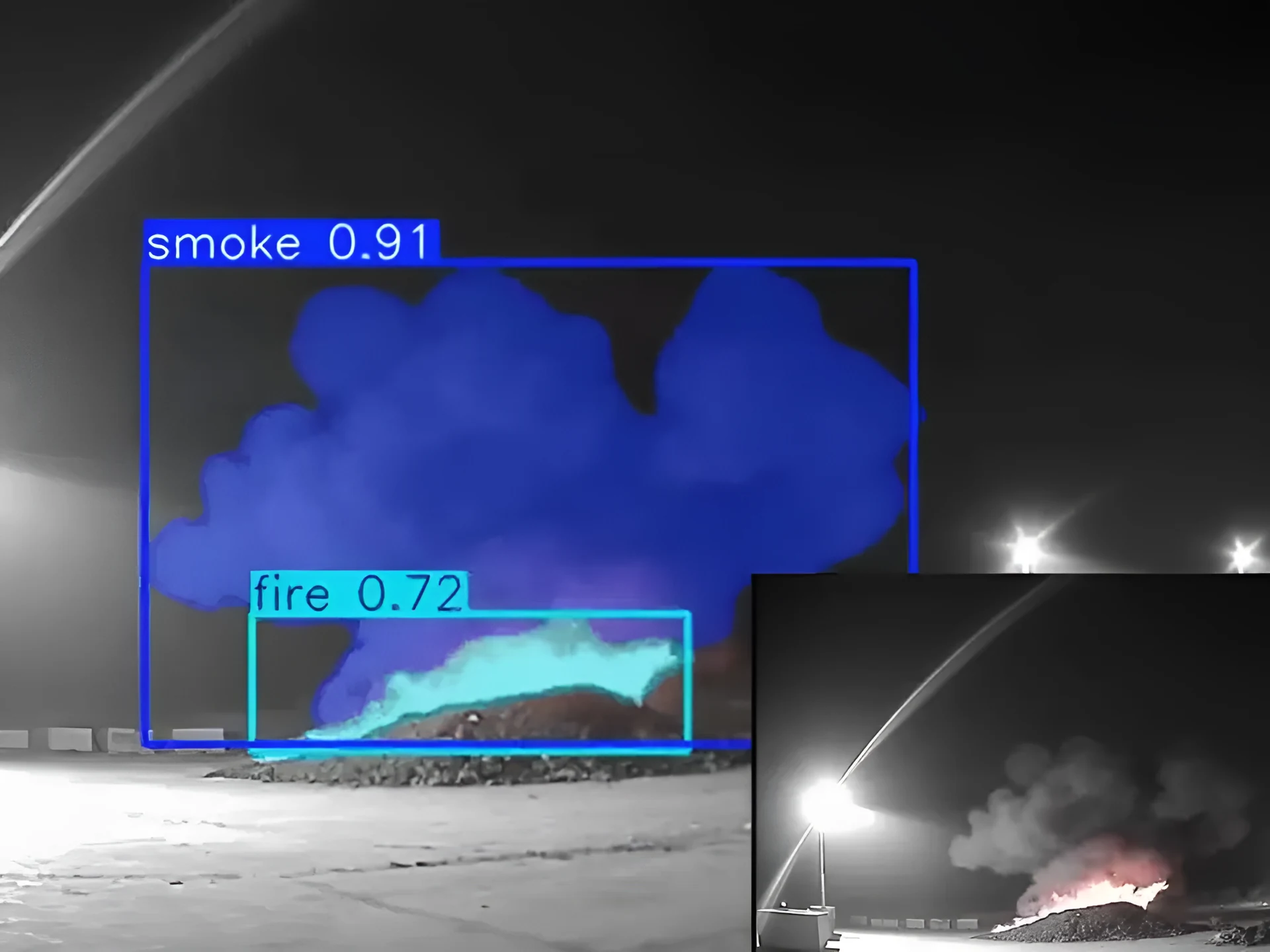
Real night-time infrared CCTV frame of a waste stockpile, with smoke and flame outlined and labelled by Woodcock AI, and the unlabelled camera view insetReal footage
Real frame from a camera running Woodcock AI. Select a numbered point to highlight it.
  1. Smoke outlinedThe plume is boxed and labelled as smoke, so you can see at a glance what triggered the alert.
  2. Flame outlinedVisible flame at the base of the pile gets its own label, separate from the smoke.
  3. The original viewThe same moment as the camera recorded it, before any labels were added.
Five modules

Pick the modules each camera runs

Every module works on the cameras you already have. Choose them camera by camera, with the zones and times that suit your site.
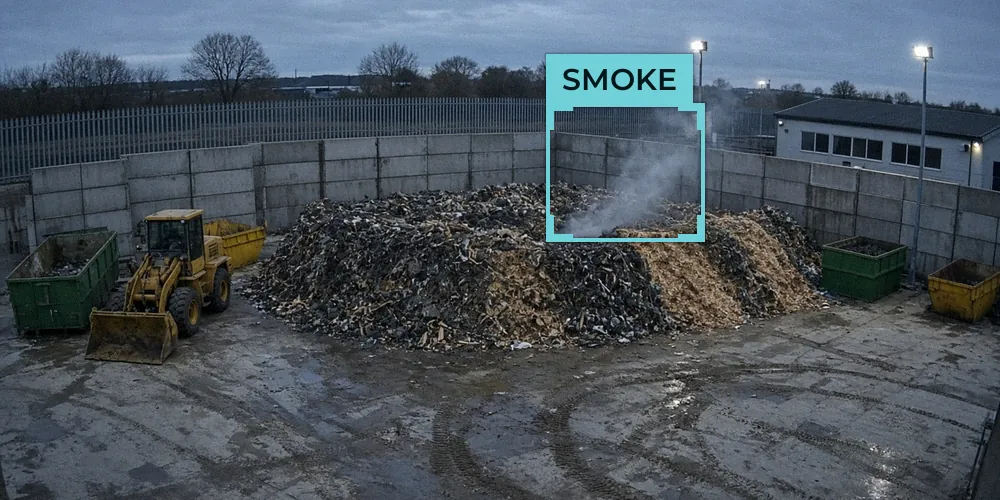
Illustrative example of smoke detected on a yard camera
Illustrative example frame
Module 1

Smoke and fire

Faint smoke and small flames on existing cameras, indoors and out, with the clip attached.

Read more
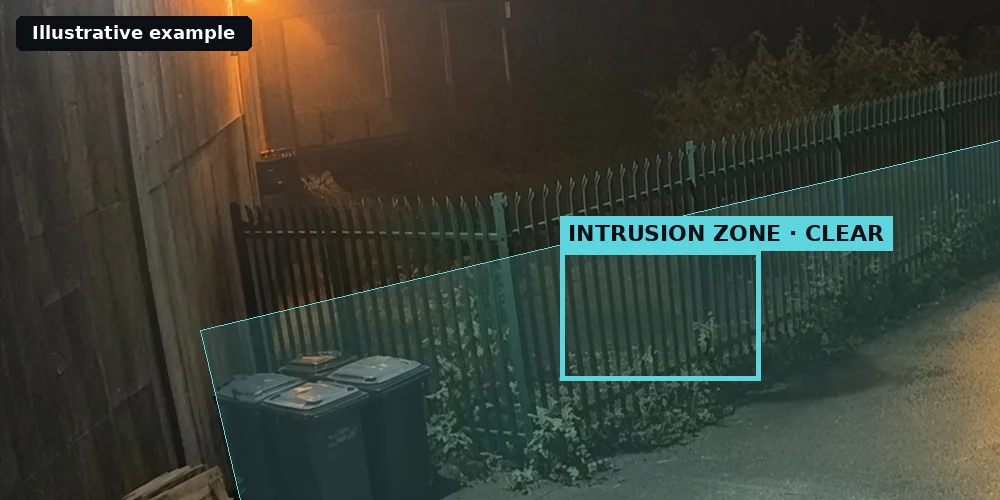
Illustrative example of an armed intrusion zone along a perimeter fence at night
Illustrative example frame
Module 2

Intrusion and human detection

People entering restricted zones or breaching the site after hours, without a stream of motion alerts.

Read more
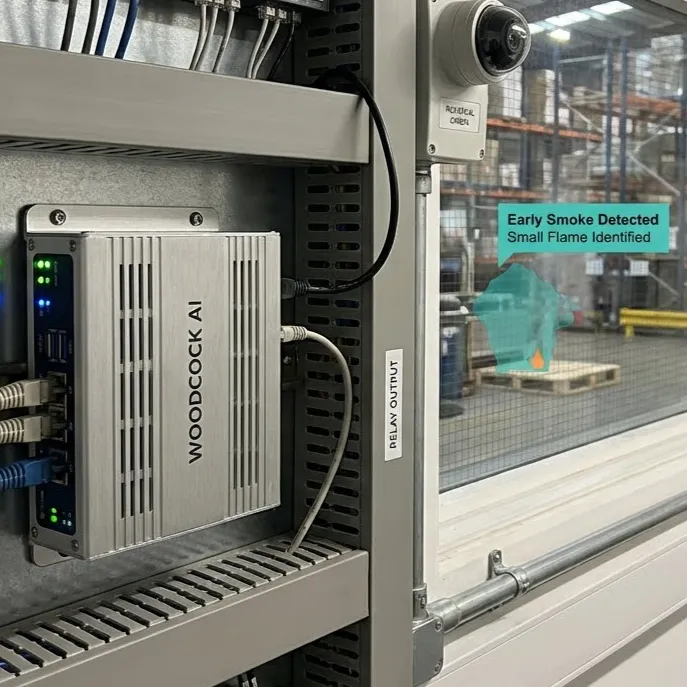
Illustrative 3D render of a CCTV camera connected to a recorder
Illustrative example frame
Module 3

PPE detection

Safety modules such as PPE detection, where supported, confirmed in your site assessment, with an alert and the clip.

Read more
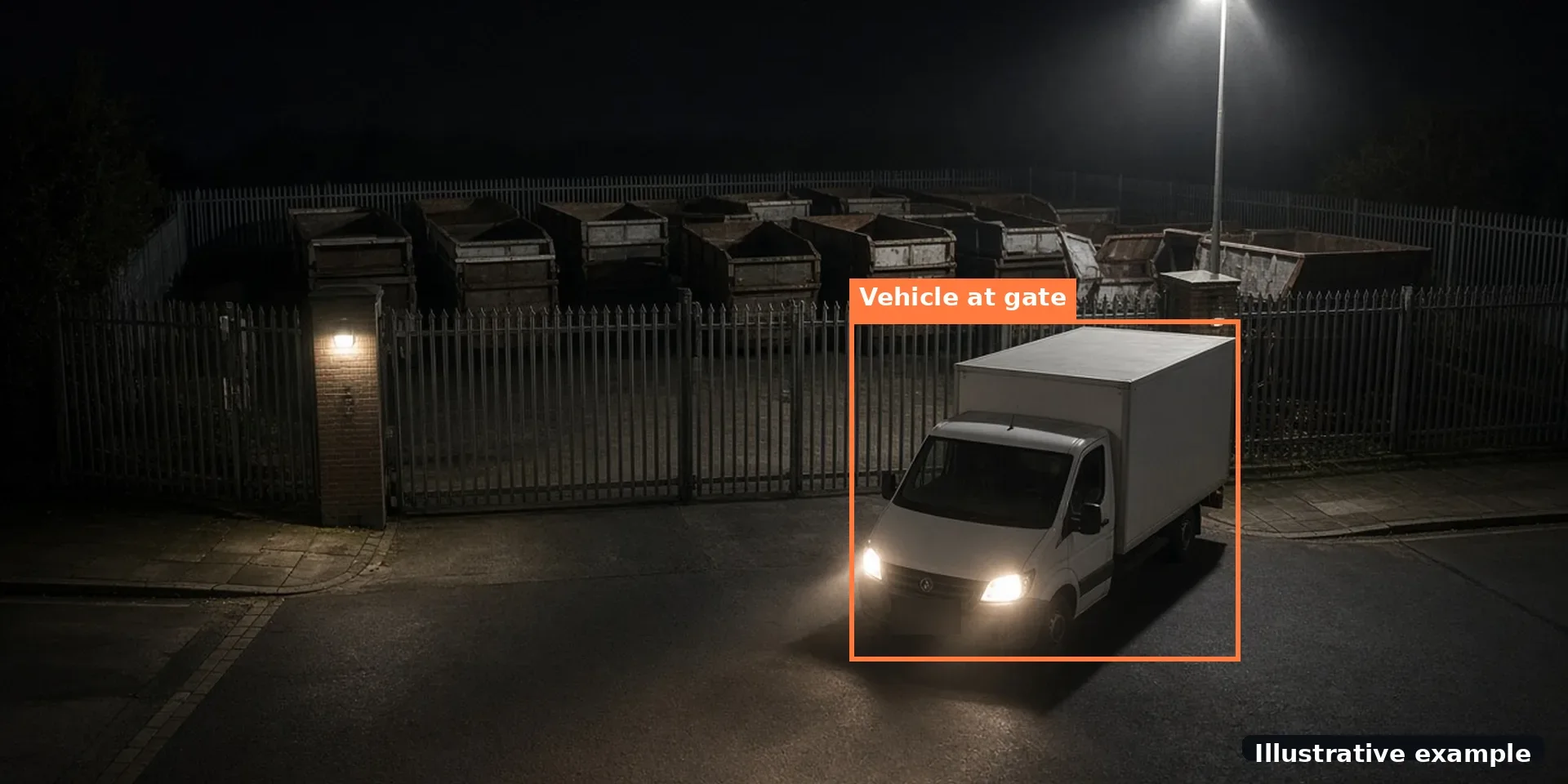
Illustrative example of a vehicle detected at a gate
Illustrative example frame
Module 4

Vehicle detection

Vehicle detection, where supported, confirmed in your site assessment: vehicles at gates, bays and yards, for example a vehicle arriving after the site has closed.

Ask about it on a free site assessment
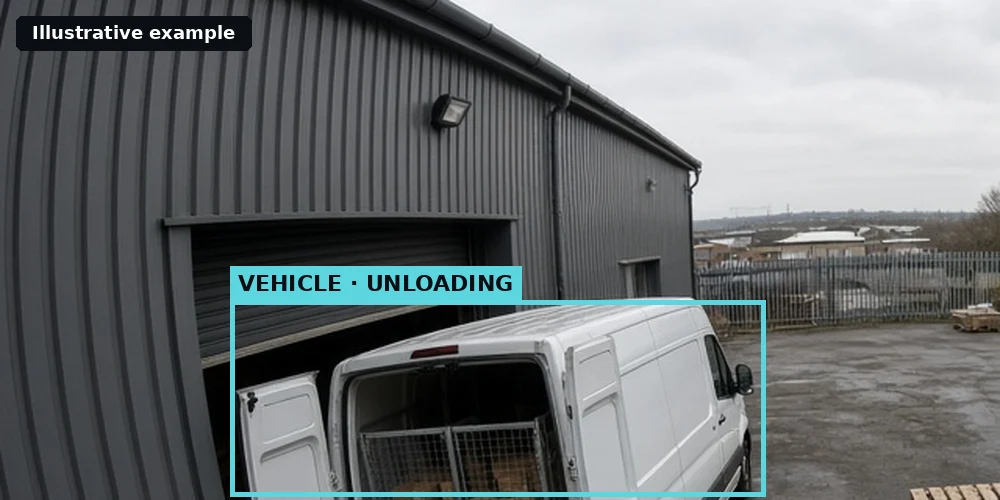
Illustrative example of an AI description of a camera event
Illustrative example frame
Module 5

AI natural descriptions

Plain-English descriptions of what each camera saw, in the Woodcock AI app.

Read more
How modules are set up

From camera to module in three steps

Setting up a module does not mean new cameras or AI configuration on site. The work happens in the background, and you review real alerts before deciding anything.

  1. Assess the cameras. The free site assessment looks at each camera's view, your recorder and the risks you care about, and suggests which modules each camera should run.
  2. Connect and choose. Cameras connect to an edge server on site or to the Woodcock AI Cloud by entering their logins. Each camera is then given its modules and detection areas, and alerts are set up for the people who need them.
  3. Review and refine. Real alerts arrive with the clip. Every detection has a feedback button, and the self-learning AI fitted to each site uses that feedback in retraining, so it gets better at what is normal for each camera.
Illustrative 3D render of an NVR linked to a Woodcock AI edge server, the Woodcock AI Cloud and a phone showing alertsIllustrative
Illustrative 3D render: modules run on an edge server on site or in the Woodcock AI Cloud, and alerts arrive in the app.
What every module needs

A clear view of the risk

AI detection can only work with what a camera sees. Three things matter for every module.

  • A view of the area. The camera has to cover the stockpile, fence, gate or work area you care about. If it does not, the site assessment will say so.
  • Enough detail. People, vehicles and smoke need to be large and clear enough in the picture. Very dark scenes, heavy fog and glare can hide what the AI is looking for.
  • A stream it can reach. Cameras and recorders that support ONVIF or RTSP connect by their logins. A camera on a closed manufacturer system may need a compatible upgrade.

None of the modules replaces certified fire alarms, statutory health and safety procedures or a person checking the clip. They add an early, visual warning to the CCTV you already run. For short answers on cameras, alerts and privacy, see the Woodcock AI FAQ.

Choosing modules

Which module for which site

Start from the biggest risk on the site. The free site assessment matches modules to each camera.

01

Waste and recycling

Usually start with smoke and fire, because stockpiles can smoulder overnight.

03

Factories and warehouses

Often add safety modules such as PPE detection, where supported, confirmed in your site assessment, alongside fire on the same cameras.

FAQ

Detection module questions

Combining modules and which cameras work.
Can I combine modules on one camera?
Yes. Each camera can run more than one module, so a yard camera might watch for smoke and fire and for intruders after hours. You choose the modules, zones and times for each camera.
Which cameras work?
Woodcock AI works with ONVIF or RTSP cameras and recorders, including NVRs and older DVRs, so most sites can use the CCTV they already have. The free site assessment checks your cameras and their views.
Do I need every module?
No. Most sites start with the modules that match their main risks, often smoke and fire or intrusion, and add others later.
Can I add modules later?
Yes. Modules are chosen camera by camera, so you can start with one risk and add others as your needs change. Ask on the free site assessment.
Do vehicle and PPE detection work on every camera?
Not always. Vehicle detection and safety modules such as PPE detection are available where supported, confirmed in your site assessment, and need a camera with a clear enough view of the area.
How do module alerts reach people?
Every module sends its alerts the same way: by app push notification, email or SMS, with the clip and a plain-English description. Alerts to a monitoring centre (ARC) and phone-call alerts are available as optional add-ons.
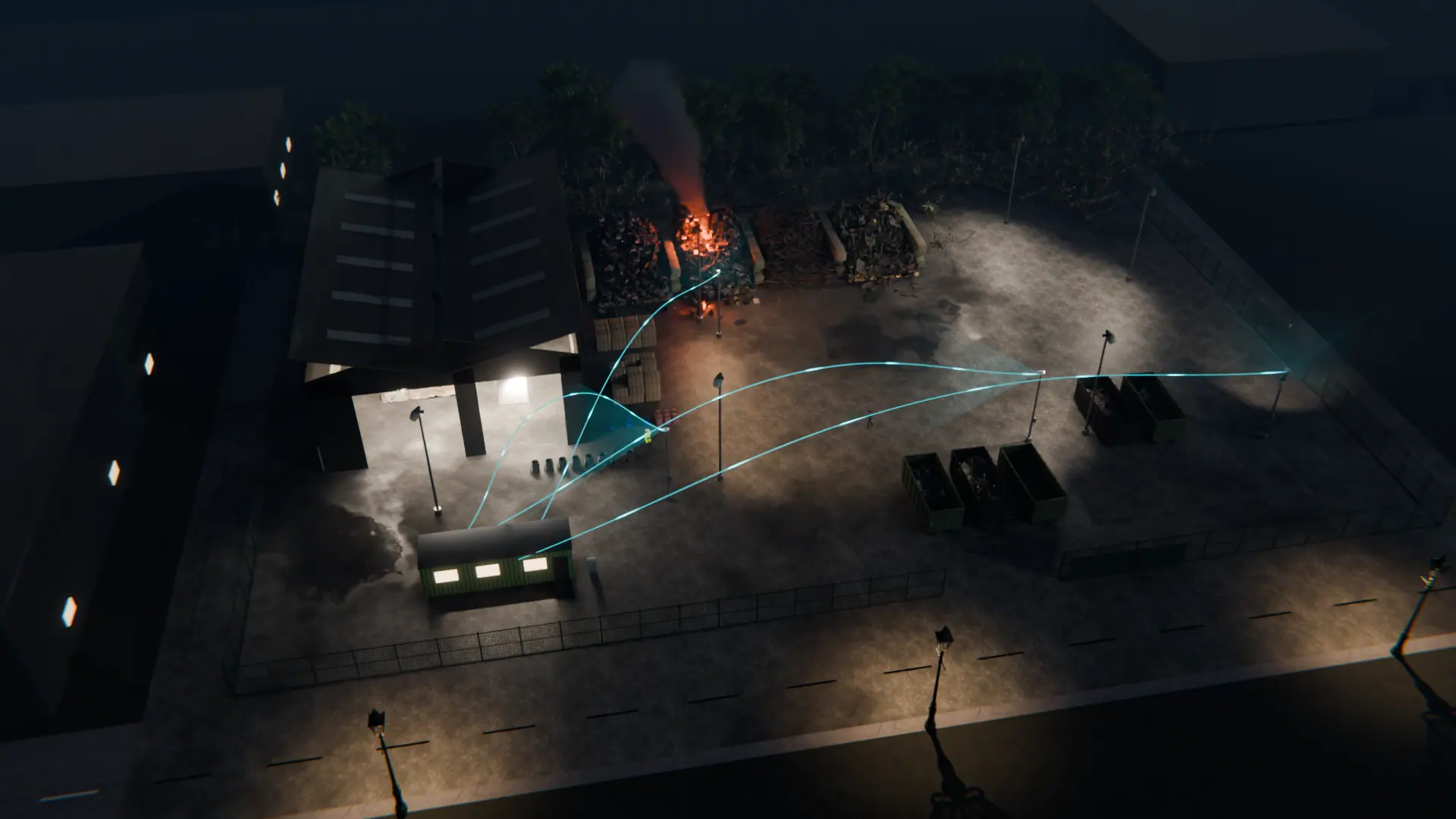
Night-time 3D view of a waste site with CCTV cameras linked to Woodcock AI watching the stockpiles, yard and buildings
Next step

Find the right modules for your cameras

A free site assessment looks at your cameras and their views, and recommends the modules, zones and schedules that fit your site.

Illustrative 3D render
Free site assessment