

How to add AI to a customer's existing CCTV
Short answer: most customer cameras and recorders that support ONVIF or RTSP can run AI detection without being replaced. Survey the kit, book a free site assessment to confirm what is supported, agree the detections, and Woodcock AI sets up the platform in the background, with no AI configuration on site.
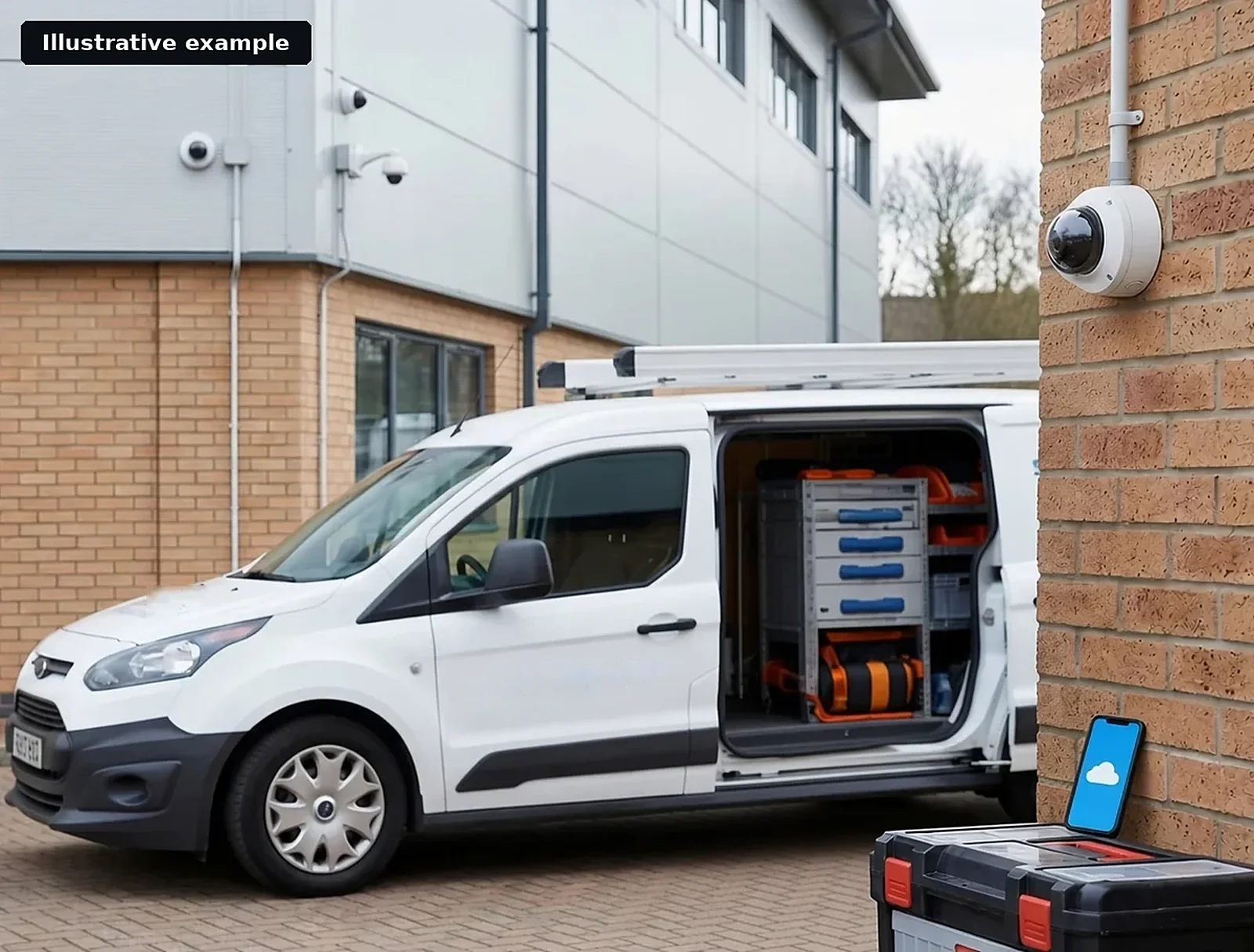 Illustrative example · Existing cameras
Why add AI to cameras that are already installed
Your customers already have cameras watching their yards, stockpiles and gates. Most of that footage is only looked at after something has happened. AI detection watches the same cameras live and sends an alert with the clip when it sees smoke, flame, an intruder after hours or, where supported, a vehicle or missing PPE.
Because it works on the cameras already fitted, there is no rip and replace and no new cabling to the cameras. For you, that means a new service to offer on sites you already maintain. For the customer, it means earlier warnings from the CCTV they have already paid for. Read how the detection itself works in the video smoke detection guide.
Seven steps to add AI to existing CCTV
This is the order most installs follow, from first look at the kit to a live system the customer trusts.
Survey the cameras and recorder already on site
List each camera and the recorder, note the make and model, and check that they support ONVIF or RTSP. You will need the device username and password. Note what each camera actually sees: the stockpile, the gate, the yard or the bay.
Book a free site assessment for the customer
The assessment reviews the cameras, the recorder and the risks on the site, and confirms which detections are supported on which cameras before anything is set up. If the site is on a closed manufacturer system, it says so and advises on a compatible upgrade.
Agree the detections, zones and hours with the customer
Start with the biggest risk, often smoke and fire, and add intrusion, vehicle or PPE detection where supported. Agree where each camera should watch and when, for example the yard after closing.
Choose edge or cloud
Video can be processed on a Woodcock AI edge server on site or in the Woodcock AI Cloud. The assessment recommends which suits the site, its connection and the number of cameras.
Let us set up the platform in the background
We set up the accounts, analytics and NVR, virtual or physical, in the background. There is no AI configuration for you to do on site, and cameras can be commissioned remotely.
Hand over alerts and the app
Agree who receives alerts and how: app push notification, email or SMS, each with the clip. Alerts to a monitoring centre (ARC) and phone-call alerts are available as optional add-ons. Show the customer the feedback button, so the AI fitted to their site keeps learning what is normal for each camera.
Trial selected cameras, then roll out
Where the site is a fit, selected cameras can be set up for a trial period with no obligation to continue. Review the alerts with the customer, then add the remaining cameras.
Installing CCTV for customers?
The Woodcock AI reseller programme lets you add AI detection to the cameras you already fit and maintain. Partner terms are shared in the partner area once you have access.
Checking the cameras and recorder
Most cameras and recorders that support ONVIF or RTSP connect, using the device username and password. This commonly includes Hikvision and Dahua, confirmed per camera in the assessment.
- The stream. The camera or recorder must provide an ONVIF or RTSP video stream. For Hikvision, see the how it works page for RTSP setup.
- The view. Each camera needs a clear enough view of what matters: a stockpile for smoke, a gate for intrusion. Position and focus count as much as resolution.
- Closed systems. If a site is on a closed manufacturer system, the free site assessment says so and advises on a compatible upgrade.
ONVIF is an open industry standard for IP video interoperability; conformance is defined by its profiles. Source: ONVIF Profiles, onvif.org.
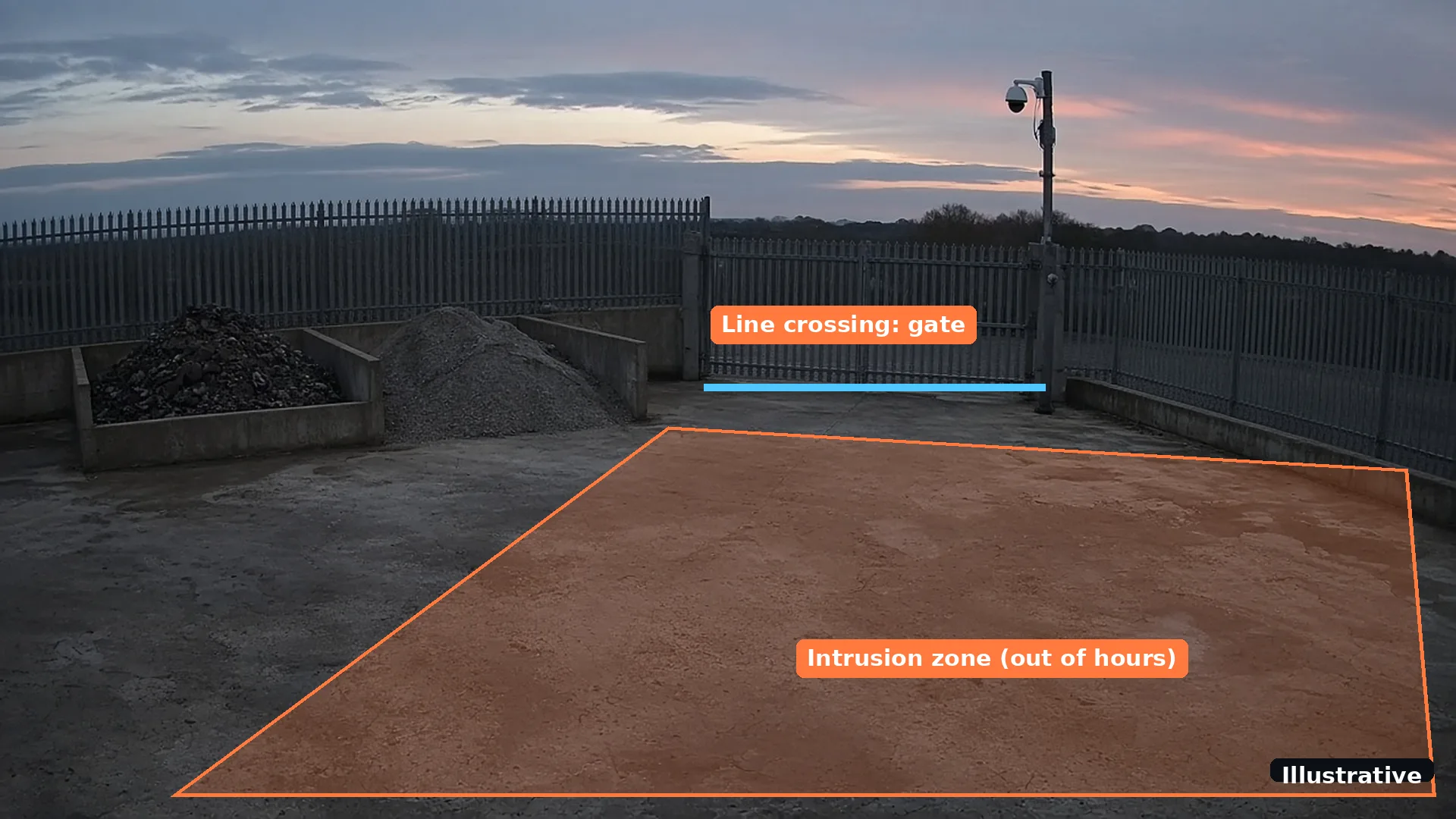 Illustrative
Where the video is processed
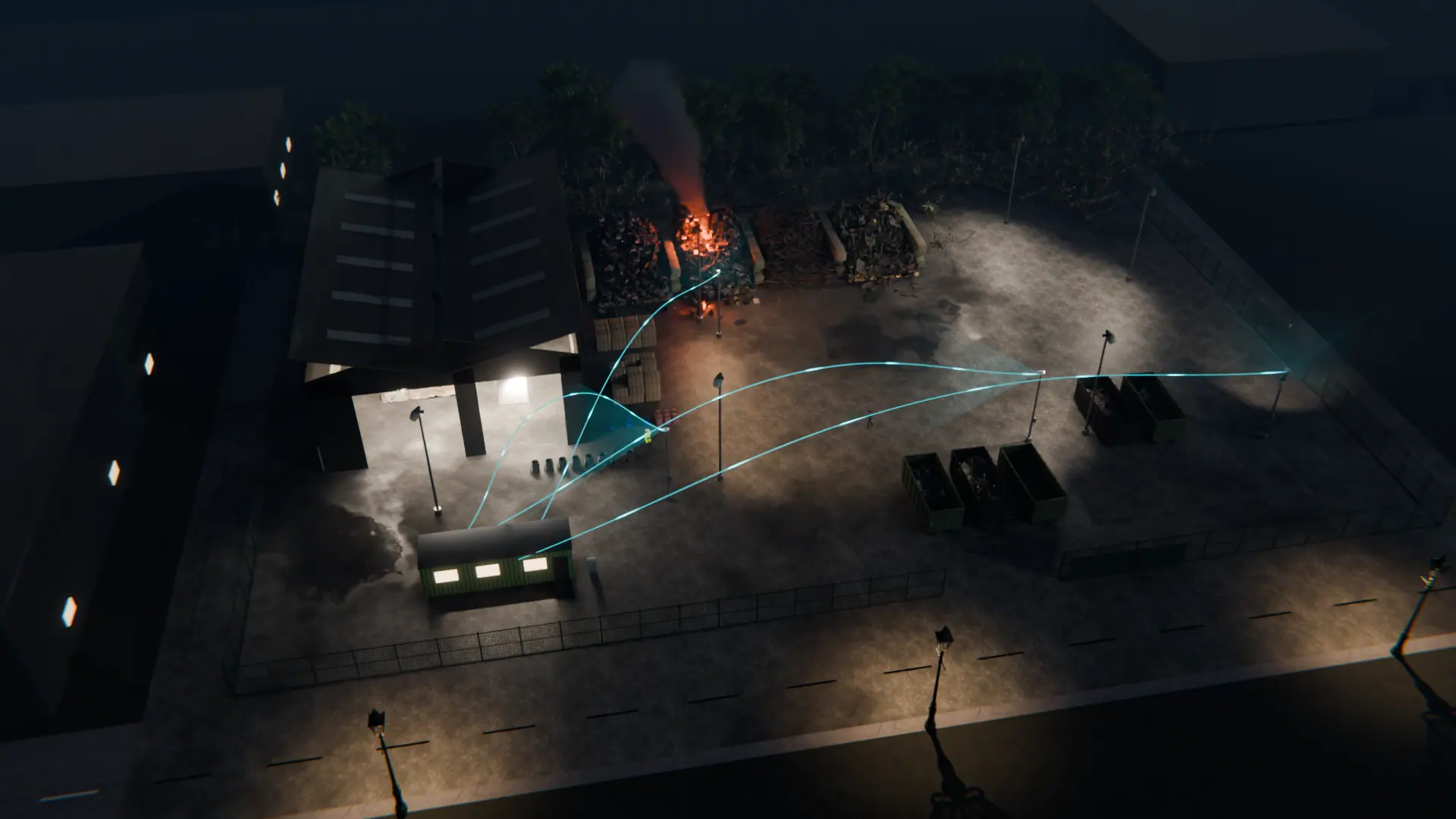
Video is processed on a Woodcock AI edge server on site or in the Woodcock AI Cloud. The site assessment recommends which suits the site, its connection and the number of cameras.
Either way, we set up the accounts, analytics and NVR, virtual or physical, in the background, with updates and tuning managed by us.
Alerts, feedback and the first weeks
Every alert arrives with the clip and a plain-English description, so the person receiving it can check what the camera saw in seconds.
Alerts to a monitoring centre (ARC) and phone-call alerts are available as optional add-ons. Show the customer the feedback button on each detection: marking a false alarm feeds retraining for their site, so the self-learning AI keeps learning what is normal for each camera. For more on cutting noise, see how to reduce CCTV false alarms.
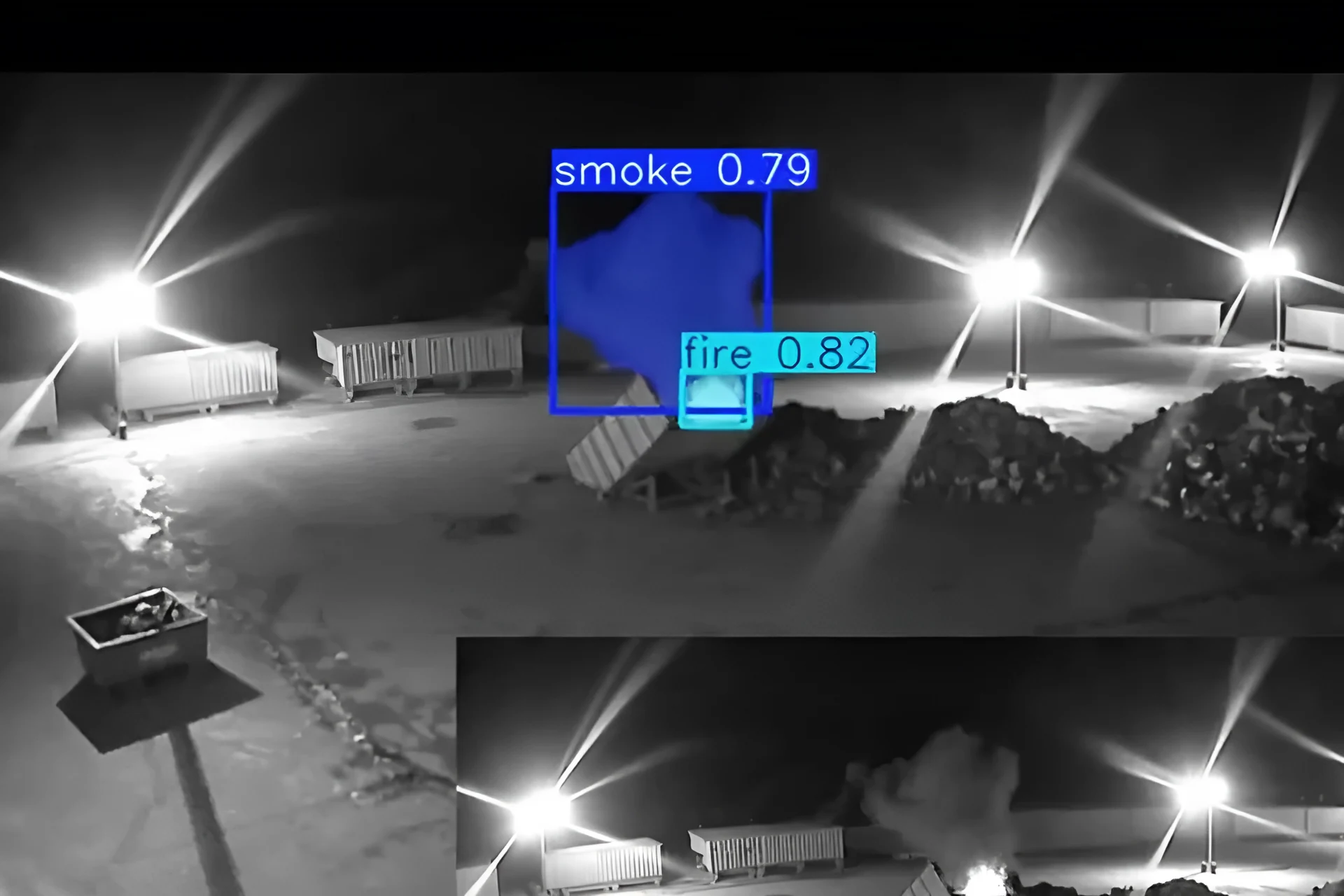 Real footage
Site survey checklist
Tick off each item as you go. Your progress is saved in this browser only.
0 of 8 done
Not certain what a term means? The glossary explains ONVIF, RTSP, edge server and ARC. Video AI complements, and does not replace, certified fire detection and alarm systems.
Can I add AI to a customer's existing CCTV?
Usually, yes. Most cameras and recorders that support ONVIF or RTSP connect, using the device username and password, which commonly includes Hikvision and Dahua, confirmed per camera in the assessment.
Do I need to replace the cameras?
Not usually. Woodcock AI works with the cameras already on site, with no changes to the cameras or infrastructure. If a site is on a closed manufacturer system, the assessment says so and advises on a compatible upgrade.
Do I have to configure the AI on site?
No. We set up the accounts, analytics and NVR, virtual or physical, in the background, and cameras can be commissioned remotely. Updates and tuning are managed by us.
Edge server or cloud: which should I propose?
Either can work. Video is processed on an edge server on site or in the Woodcock AI Cloud, and the site assessment recommends which suits the site and its connection.
Which detections can I offer?
Smoke and fire, intrusion, PPE and vehicle detection, plus plain-English descriptions, all on the same cameras. Each detection is offered where supported, confirmed in the site assessment.
Where do alerts go?
To the people the customer chooses, by app push notification, email or SMS, each with the clip and a plain-English description. Alerts to a monitoring centre (ARC) and phone-call alerts are available as optional add-ons.
Can the customer trial it first?
Yes. Start with a free site assessment. If it is a fit, selected cameras can be set up for a trial period with no obligation to continue.
Does it replace a certified fire alarm?
No. Woodcock AI adds a visual early-warning layer to existing CCTV. It complements, and does not replace, certified fire detection and alarm systems.
How do I become a partner?
Request partner access on the installers page. We talk you through the partner tiers, and partner terms are shared in the partner area once you have access.
Add AI to the cameras you already fit
Join the Woodcock AI reseller programme. We set up the platform in the background.
Illustrative 3D render