

AI CCTV and GDPR: a UK guide for businesses
Last reviewed
Short answer: you can add AI to business CCTV under UK GDPR, and the same rules apply as for any CCTV. Footage of people who can be identified is personal data, so you need a clear purpose, a lawful basis (usually legitimate interests), a DPIA in most cases, clear signs, the shortest retention that works, secure access and a way to handle requests.[1][2] Adding AI does not hand over responsibility: you remain the controller.
Does UK GDPR apply to AI CCTV?
Yes, whenever the cameras capture people who can be identified. UK GDPR and the Data Protection Act 2018 apply to CCTV that processes personal data, and the ICO's video surveillance guidance covers newer technology as well as traditional CCTV.[1]
That holds even when the AI is looking for something else. Woodcock AI's smoke and fire detection looks for smoke and flame, and intrusion detection flags a person or vehicle entering a zone you set. Neither identifies who someone is, but the footage behind an alert can still show a person, so it is still personal data and the normal CCTV rules apply.
The law is also moving. The Data (Use and Access) Act 2025 received Royal Assent on 19 June 2025, and the ICO says its video surveillance guidance is under review because of the changes.[7] This guide reflects the guidance as it stands; check the sources for updates.
You may also see the Surveillance Camera Code of Practice mentioned. In England and Wales it is mandatory only for relevant authorities, such as the police and local councils, which must have regard to it. Private businesses are encouraged to follow its 12 guiding principles voluntarily, and doing so is a good way to show your system is proportionate.[10]
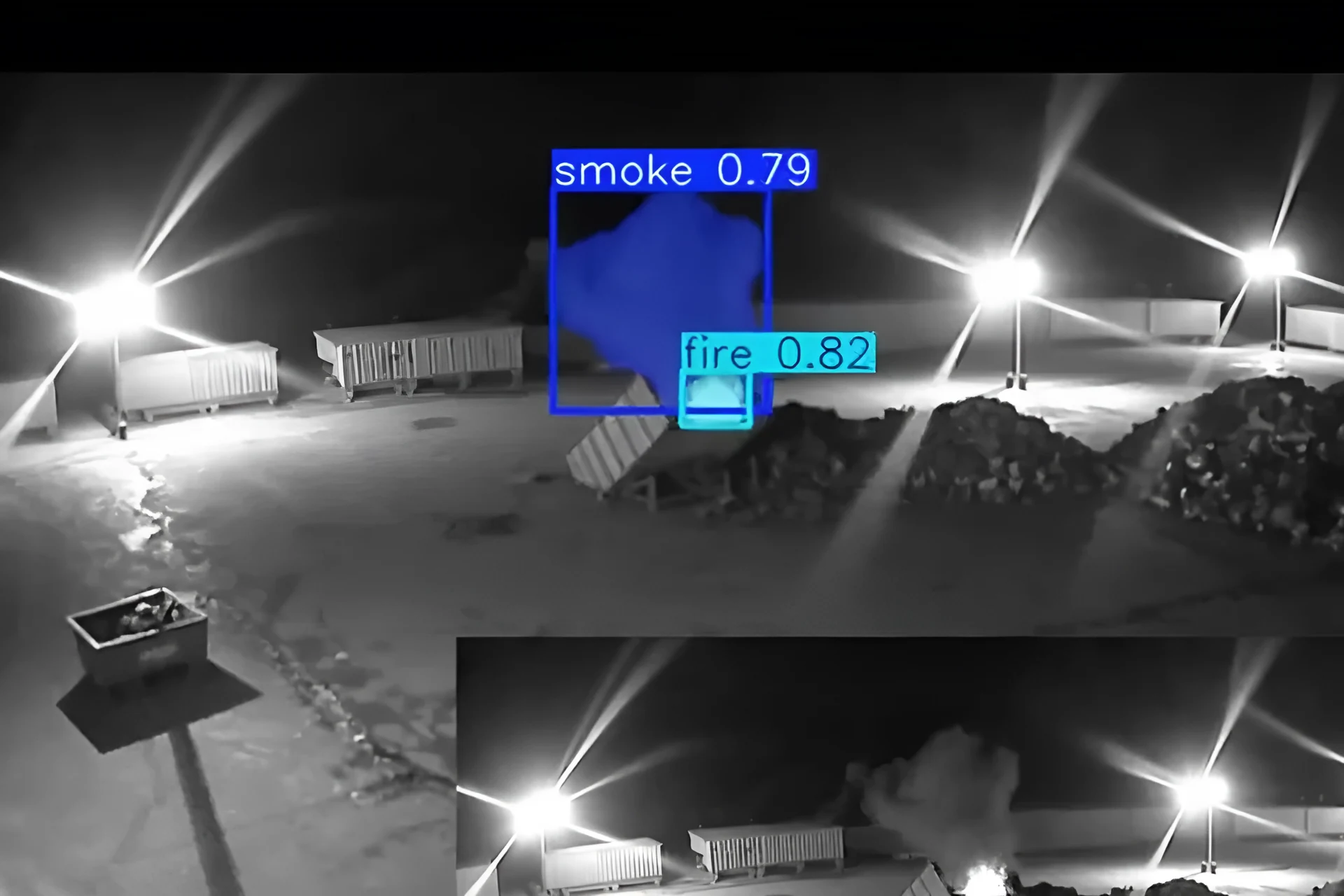 Real footage
Who is responsible: controller and processor
The business that decides why and how the cameras are used is the controller, and it stays responsible for compliance.
If another organisation makes joint decisions with you about the purpose and running of the system, you are joint controllers and both stay responsible. If a provider processes footage on your behalf, the ICO expects written contracts that clearly define its responsibilities.[1] Both controllers and processors need records of processing under Article 30.[1]
In practice that means you decide which cameras are analysed, where the detection zones sit, how long footage is kept and who receives alerts. Ask any AI provider, including us, for the information you need for your DPIA and your records.
Eight steps to use AI CCTV in line with UK GDPR
Drawn from ICO guidance. This is general information, not legal advice; your DPIA and your own advisers decide what applies to your site.
Define the problem and the purpose
Write down what the cameras and the AI are for, such as spotting smoke and fire out of hours or alerting you when someone enters a closed yard. The ICO checklist asks you to define the problem before you start and review the decision regularly.[4]
Pick and document a lawful basis
For business CCTV this is likely to be legitimate interests, because genuine consent is hard to get from everyone a camera sees. Record your reasoning in a legitimate interests assessment.[1] If you use biometric data, such as facial recognition to identify people, you also need an Article 9 condition.[1]
Carry out a DPIA
The ICO says a data protection impact assessment is a legal requirement for surveillance likely to be high risk, and that this applies in most cases. Document any use of AI or algorithms in it. If high risk remains after your measures, consult the ICO before you start.[1]
Set the shortest retention that works
The law sets no minimum or maximum period. Choose the shortest period your purpose needs, and do not keep footage just because the recorder has space or the default allows it.[2]
What your CCTV signs should say
People must be told about the surveillance. Signs are the usual way, backed by fuller information on your website, but a website notice on its own is not enough.[2]
The ICO says signs should be clearly visible and readable, sized for whoever needs to read them, whether pedestrians or drivers, and placed before people enter a camera's field of view, with more signs inside the area. They should name the organisation running the system, the purpose and a contact, unless it is obvious who is responsible.[2][4] Signs should be more prominent where people are less likely to expect cameras.[2]
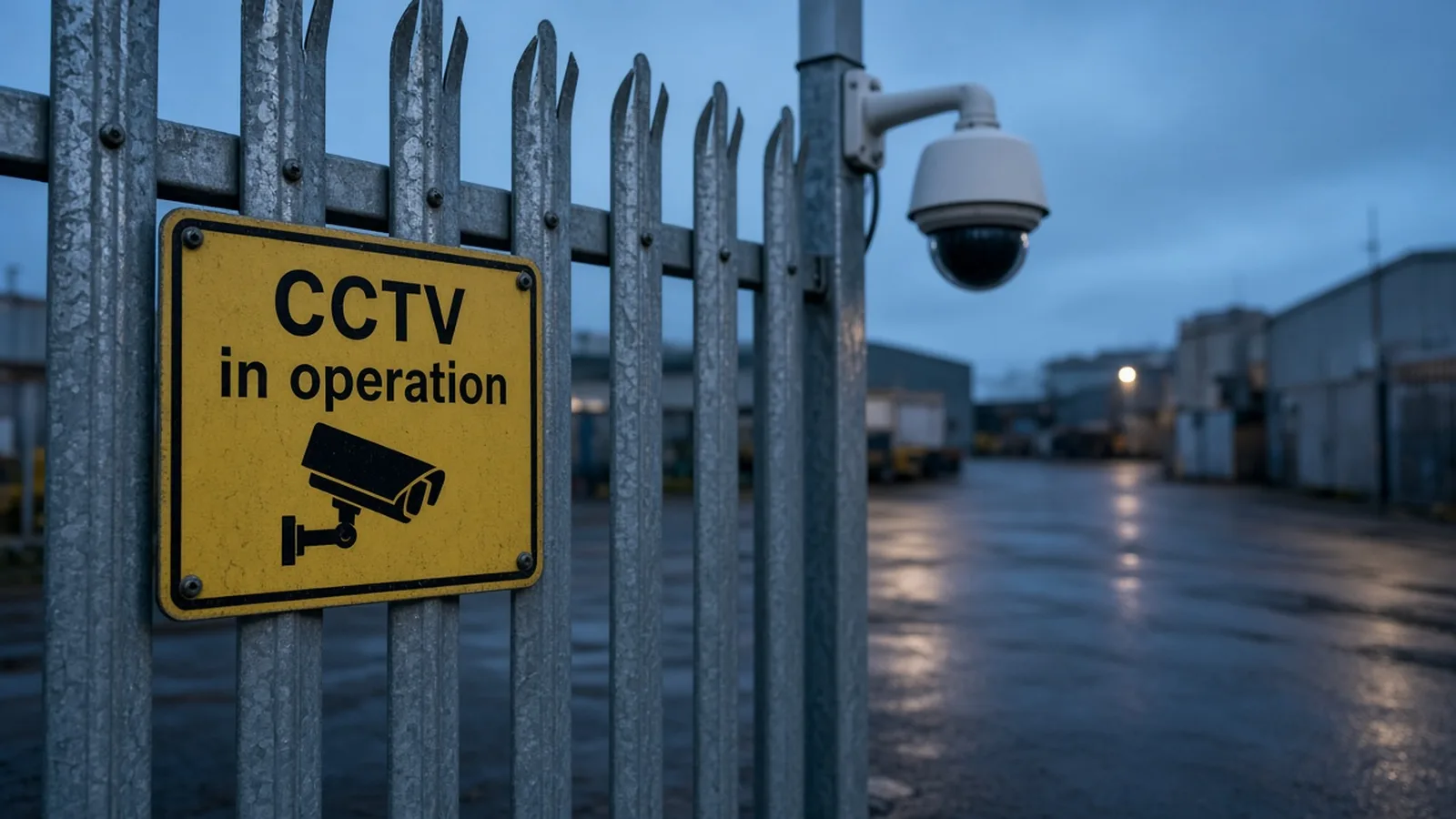 Illustrative
What to add to your DPIA when AI watches the cameras
The ICO asks operators to document any use of algorithms, AI or machine learning, and to cover functions such as audio, live streaming and cloud storage in the DPIA.[1]
For AI on existing CCTV, that usually means recording which detections run on which cameras, what triggers an alert, who receives it and what they see, and where video is processed and stored. Keep audio switched off unless you have an evidenced need, as the ICO recommends.[2] If any camera covers work areas, consult staff during the DPIA, target cameras at areas of particular risk and avoid continuous monitoring of individuals.[2][8]

Edge server or cloud: decide where processing happens
With the Woodcock AI edge server, video is processed on your local network and footage stays on site, on your recorder or a Woodcock virtual NVR. With the Woodcock AI Cloud, video is processed in the cloud; ask us about the retention period and storage location so you can record them in your DPIA.
The self-learning AI is fitted to each site and learns its cameras, and the feedback button on each detection feeds into retraining. Ask us how detection clips are used, and include it in your DPIA. More detail is in how it works.
Planning AI on your existing cameras?
A free site assessment checks which cameras can see the areas that matter, which detections are supported on each, and gives you the details you need for your DPIA.
Positioning cameras and detection zones
Where a camera points matters as much as what software runs on it. The ICO checklist asks you to position cameras so they avoid capturing private land or people who are not visiting your premises.[4]
AI detection zones help you stay focused on the area of risk, such as a stockpile, a skip or a closed gate, rather than the street outside. This is a real night view from an existing camera of an empty storage yard; select each point to see what to check.
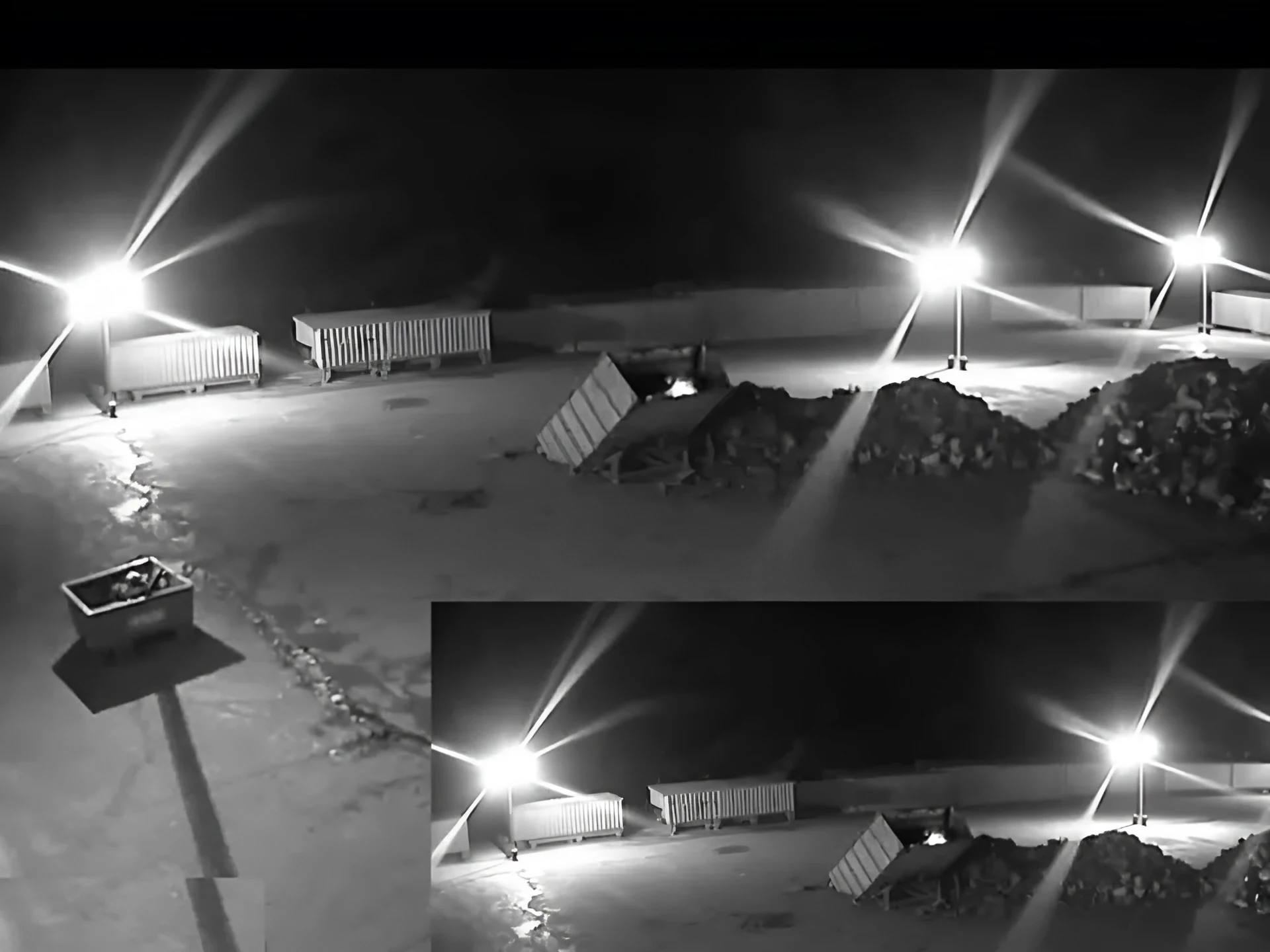 Real footage
- Aim at the area of riskPoint each camera at what you need to protect, such as a stockpile, a skip or a gate, and set detection zones there. The ICO says workplace cameras should target areas of particular risk.
- Keep neighbouring land out of viewPosition cameras to avoid capturing private land or people who are not visiting your premises, as the ICO checklist asks. Masking can help where a view crosses a boundary.
- Clear images for the purposeFootage should be clear enough for what you use it for, and easy to export if the police need it.
- Signs at the entranceSigns go before people enter the area a camera covers, and are repeated inside it.
Footage requests, sharing and complaints
Anyone captured on your cameras can ask for a copy of footage of themselves. You must respond within one month, extendable by two further months if the request is complex, and there is normally no fee.[3]
Make sure footage covered by a request is not deleted by your normal retention cycle while you deal with it, and redact other people where needed.[3] Disclosure to the police is usually appropriate where it matches your purpose, such as investigating a crime, but treat other requests with care. Disclosing footage knowingly or recklessly without the controller's consent can be an offence under section 170 of the DPA 2018.[3]
Since 19 June 2026, when section 103 of the Data (Use and Access) Act came into force, every organisation must also have a process for data protection complaints, acknowledge them within 30 days and tell people the outcome without undue delay.[6][9] AI alert clips, downloaded as MP4 files from the app, make it quicker to find the right footage.
Running a site after hours? The out-of-hours site security checklist covers the physical side, from gates to keyholders, and intrusion detection explains how people and vehicle alerts work.
AI CCTV GDPR checklist
Tick off each item for your site. Progress is saved in this browser only. This checklist summarises the ICO guidance above; it is not legal advice.
0 of 12 done
AI CCTV and GDPR questions
More in the Woodcock AI FAQ. For details for your DPIA, email office@woodcock.ai.
Is AI CCTV legal in the UK?
Yes. Using AI to analyse business CCTV is allowed under UK GDPR and the Data Protection Act 2018, as long as you follow the same rules as any CCTV: a clear purpose, a lawful basis, a DPIA in most cases, clear signs, sensible retention and secure access. The ICO's video surveillance guidance covers it.[1][2]
Does adding AI to CCTV change my GDPR duties?
The duties are the same, but your DPIA should cover the AI. The ICO asks operators to document any use of algorithms, AI or machine learning.[1] You remain the controller and stay responsible for how the system is used.
Do I need a DPIA for AI CCTV?
Very likely. The ICO says a DPIA is a legal requirement for surveillance likely to result in a high risk to individuals, and that this applies in most cases. If you decide not to do one, record why.[1]
Do I need consent to use CCTV at work?
Is smoke and fire detection footage personal data?
It can be. The AI looks for smoke and flame, but if a person can be identified in the footage, it is still personal data and the normal CCTV rules apply.
Is Woodcock AI facial recognition?
No. Smoke and fire detection looks for smoke and flame. Intrusion detection flags that a person or vehicle has entered a zone you set, without identifying who they are, and vehicle detection is not number plate recognition.
How long can I keep CCTV footage?
UK law does not set a minimum or maximum. Keep footage for the shortest period your purpose needs, and do not keep it simply because the recorder allows it.[2]
What should a CCTV sign say?
Can I share footage with the police or my insurer?
Disclosure to the police is usually appropriate where it matches your purpose, such as investigating crime. Treat other requests with care. Disclosing footage knowingly or recklessly without the controller's consent can be an offence under section 170 of the DPA 2018.[3]
Has the Data (Use and Access) Act changed the CCTV rules?
Sources
This guide is general information, not legal advice. ICO guidance is being updated after the Data (Use and Access) Act 2025, so check the current versions.
- ICO, Video surveillance guidance: what are our responsibilities in terms of accountability?. Lawful basis under Article 6 (likely legitimate interests), Article 9 conditions for biometric data such as facial recognition, DPIAs, Article 30 records, joint controllers and written contracts with processors. Last checked 23 October 2026.
- ICO, Video surveillance guidance: how can we comply with the data protection principles?. Signs and transparency, retention based on purpose, audio recording, workplace use and security, including cloud storage. Last checked 23 October 2026.
- ICO, Video surveillance guidance: governance (post-deployment). Requests for footage, the one-month response time, redaction, disclosure to third parties and the section 170 DPA 2018 offence. Last checked 23 October 2026.
- ICO, Checklist for limited CCTV systems. A one-page checklist for small business CCTV: named responsible person, lawful basis, positioning, signs, storage and requests. Last checked 23 October 2026.
- ICO, Data protection fee. Organisations, including sole traders, that use personal information need to pay a data protection fee unless they are exempt. Last checked 23 October 2026.
- ICO, How to deal with data protection complaints. Published 12 February 2026: you must have a process for handling data protection complaints and acknowledge them within 30 days. Last checked 23 October 2026.
- ICO, Data (Use and Access) Act 2025. The Act received Royal Assent on 19 June 2025. The ICO says its video surveillance guidance is under review because of the changes. Last checked 23 October 2026.
- ICO, Employment practices and data protection: monitoring workers. ICO guidance for employers on monitoring staff, including by video. Also under review because of the Data (Use and Access) Act. Last checked 23 October 2026.
- legislation.gov.uk, The Data (Use and Access) Act 2025 (Commencement No. 6 and Transitional and Saving Provisions) Regulations 2026 (SI 2026/82), regulation 3. Section 103 of the Act (complaints by data subjects) came into force on 19 June 2026, so far as not already in force. Last checked 23 October 2026.
- GOV.UK, Amended Surveillance Camera Code of Practice. Relevant authorities in England and Wales, such as the police and local councils, must have regard to the code; other operators are encouraged to adopt it voluntarily. Last checked 23 October 2026.
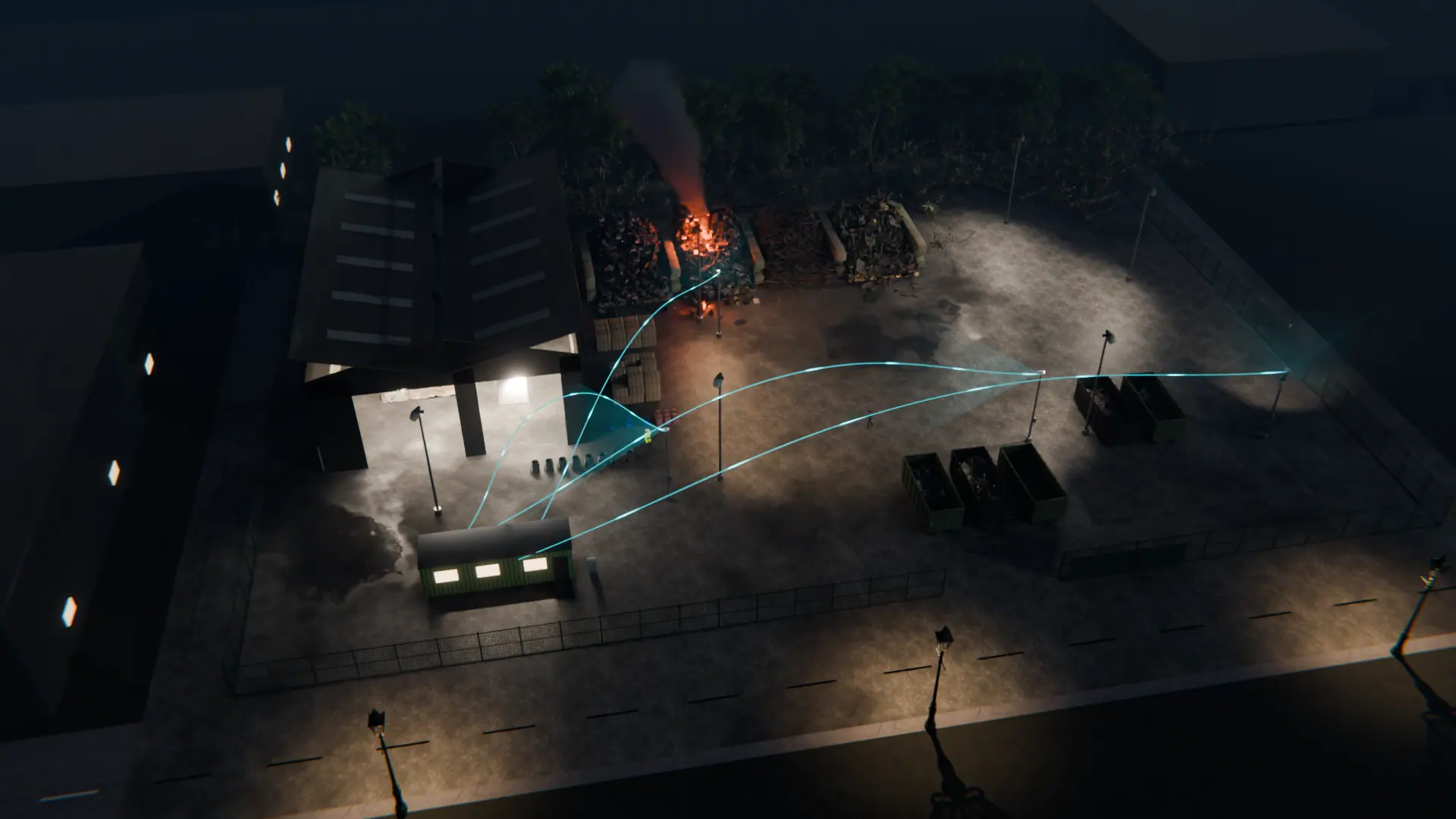
Add AI to your cameras with the paperwork in mind
A free site assessment checks which existing cameras can see the areas that matter and gives you the details you need for your DPIA. Alerts to a monitoring centre (ARC) and phone-call alerts are available as optional paid add-ons.
Illustrative 3D render