

Self-learning AI that gets better on your cameras
Updated
Short answer: Woodcock AI is not a one-size-fits-all model. It learns the cameras on your site, and every detection comes with a feedback button. Each time you mark an alert as real or not, that feedback is used to retrain the model for your site, so it keeps getting better at telling a genuine event from the fog, dust, steam and headlights it sees every day.
Why generic AI models misfire on real sites
Most AI camera analytics are trained once, on footage from somewhere else, and then installed unchanged on every site. That works in a tidy demo. It struggles on a working yard at night.
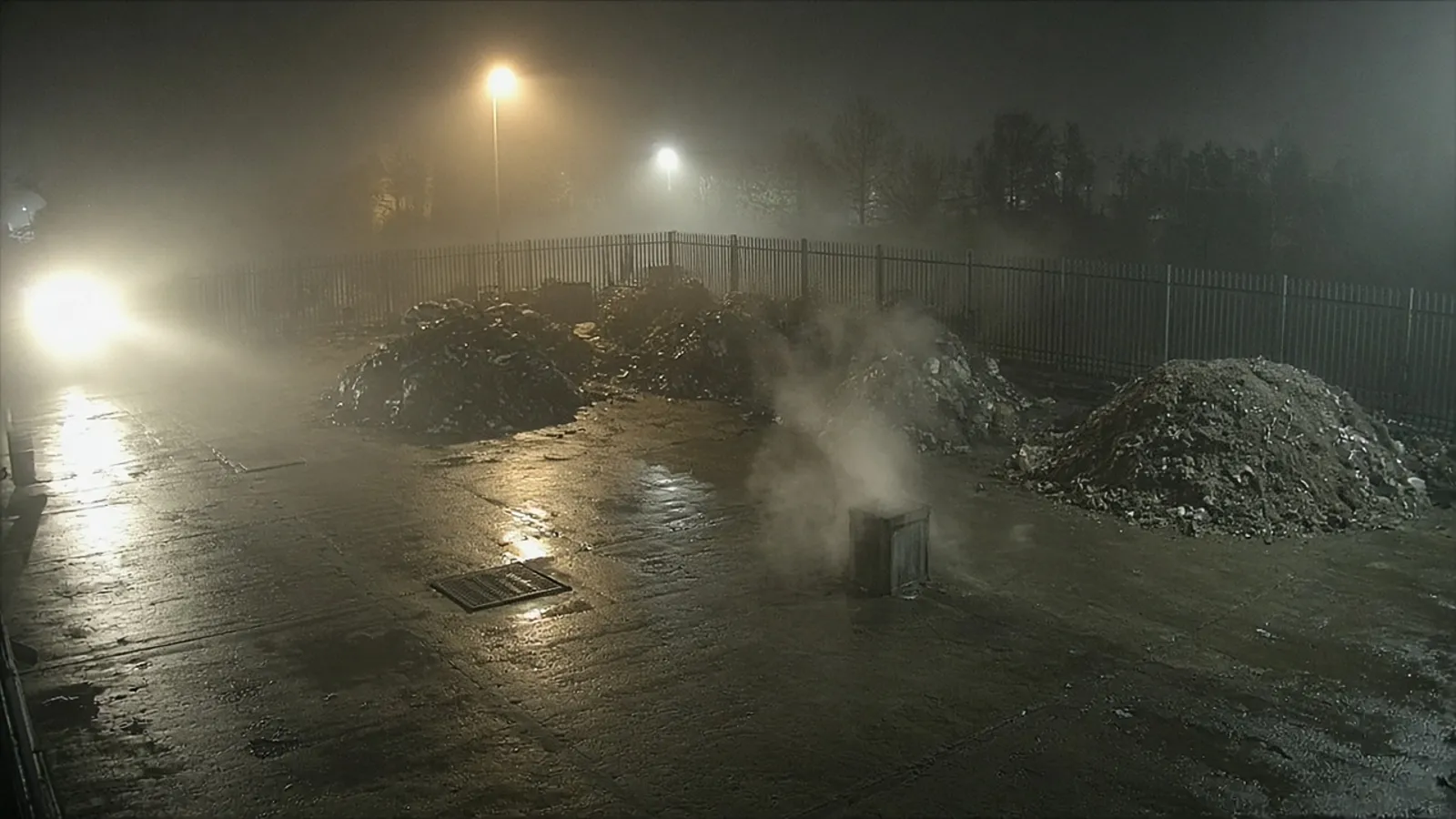
Outdoor industrial cameras see conditions that a generic model has rarely met. Each one looks, to software that has never seen your site, a lot like the thing it is meant to catch:
- Fog and mist. A bank of fog rolling across a floodlit yard is grey, soft-edged and drifting, which is exactly how early smoke can look.
- Dust. A loader tipping aggregate, or wind lifting dust off a stockpile, throws up a moving cloud that a generic smoke model can mistake for a fire.
- Steam. Vents, wash bays, hot surfaces after rain and exhaust on a cold morning all produce white plumes that rise and spread.
- Headlights and glare. Vehicle lights sweeping across a camera, reflections on wet concrete and floodlights coming on can all register as sudden changes in the scene.
The result is familiar to anyone who has relied on basic motion alerts: a phone that buzzes all night for nothing, until people stop looking. Once that happens, the one alert that matters is easy to miss. Cutting false alarms is not a nice-to-have; it is what keeps an alerting system trusted. Our guide to reducing CCTV false alarms covers the wider causes and fixes.
 Illustrative
How Woodcock AI learns each site's cameras
Every site is different, and so is every camera on it. Woodcock AI learns the cameras on your site rather than treating them as interchangeable.
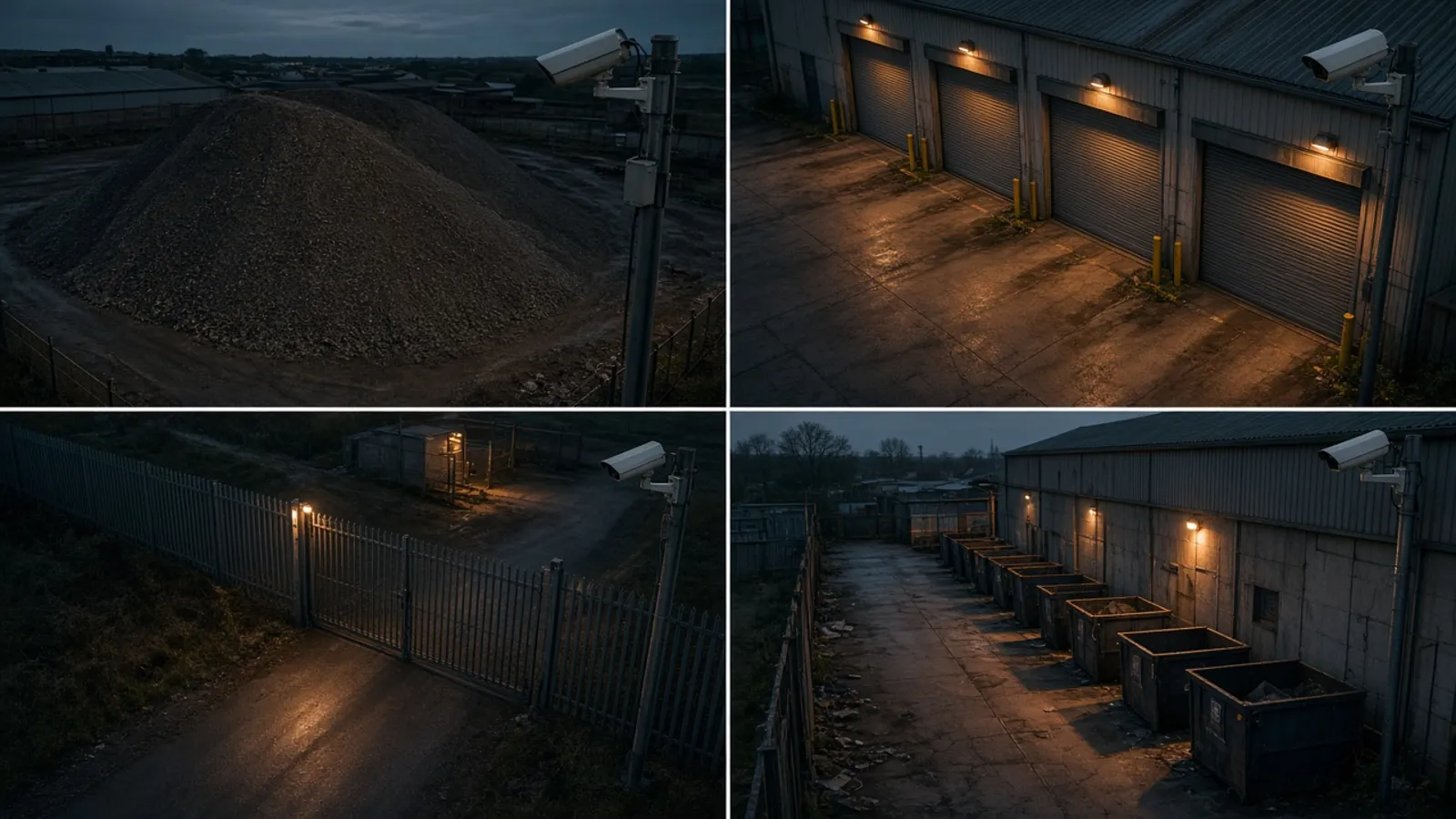
A camera pointed at a dusty aggregate bay faces different challenges from one watching a loading bay with roller shutters, a gate onto the road, or a line of skips by a building. The background, the lighting, the angle and the everyday movement in each view are all different. A model that has learned those views knows what normal looks like on each one, which makes it far better placed to notice when something is genuinely wrong.
This is why we describe the AI as tailored to your site. It works with the CCTV cameras you already have, so the views it learns are the real ones your site depends on, including the awkward corners, the low winter sun and the floodlight that flickers on at dusk. Find out more about the set-up in how it works, and the detections available in detection modules.
Learning the cameras also matters for smoke and fire detection, where the difference between dust, steam and early smoke is the difference between a useful warning and a wasted trip. A model that knows the dust bay usually looks hazy when the loader is working can still flag a plume that does not belong.
 Illustrative
See what the AI would learn on your cameras
A free site assessment looks at your existing camera views, the conditions on site and the risks you want covered.
The feedback button on every detection
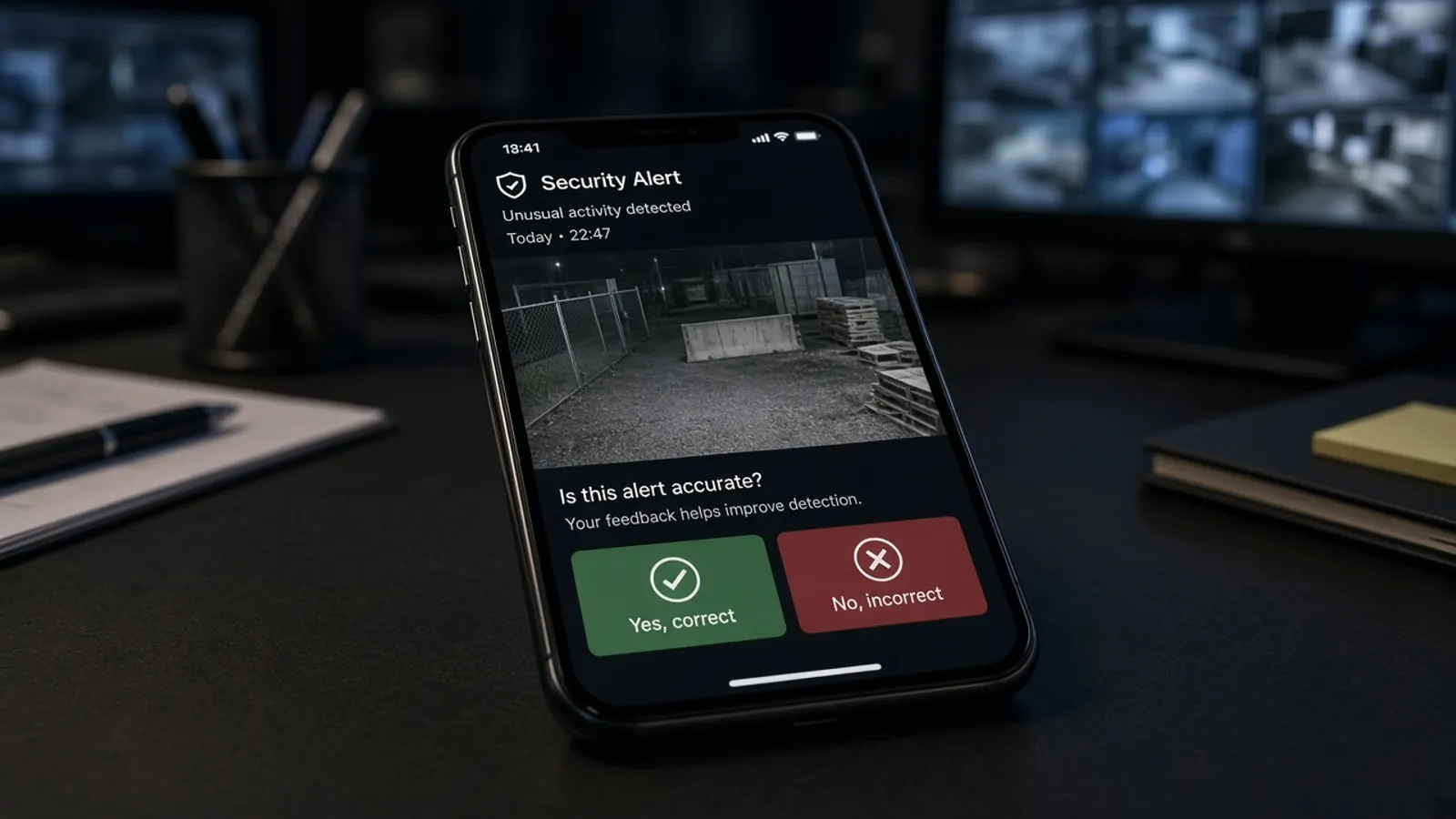
Every detection Woodcock AI sends comes with a feedback button. It is the simplest way to teach the system about your site, and it feeds directly into retraining.
When an alert arrives, you see the clip and decide whether it was real. If it was a genuine event, say so. If the AI was fooled by a drift of steam or a sweep of headlights, mark it as wrong. Either way, that one tap is recorded with the clip, and your feedback is used to retrain the model for your site.
Over time, the examples that fooled the model become examples it has learned from. The steam vent that set it off once is now part of what it knows about that camera. That is what self-learning means here: the system improves from the real alerts on your real cameras, guided by the people who know the site best.
The loop works like this:
- Alert. A detection arrives with the clip, so you can see what the AI saw.
- Feedback tap. You use the feedback button to mark the alert as real or not.
- Retrain. Your feedback is used to retrain the model for your site.
- Fewer false alerts. The retrained model has learned from what fooled it, so the same conditions are less likely to trigger it again.
 Illustrative
What to expect in the first weeks
Self-learning AI improves with use, so the early period on a new site is when your feedback counts for the most.
At the start, the AI is already tailored to your cameras, but it has not yet met every condition your site can throw at it. The first foggy morning, the first time the wash bay runs at full steam or the first night a delivery arrives late with full beams are all new. If any of these causes a wrong alert, that is the moment to use the feedback button.
A few habits help the system learn faster:
- Mark wrong alerts, not just right ones. A false alarm you flag is one of the most useful things the model can learn from.
- Give feedback soon after the alert. You will remember what was happening on site, and the clip will still be fresh in your mind.
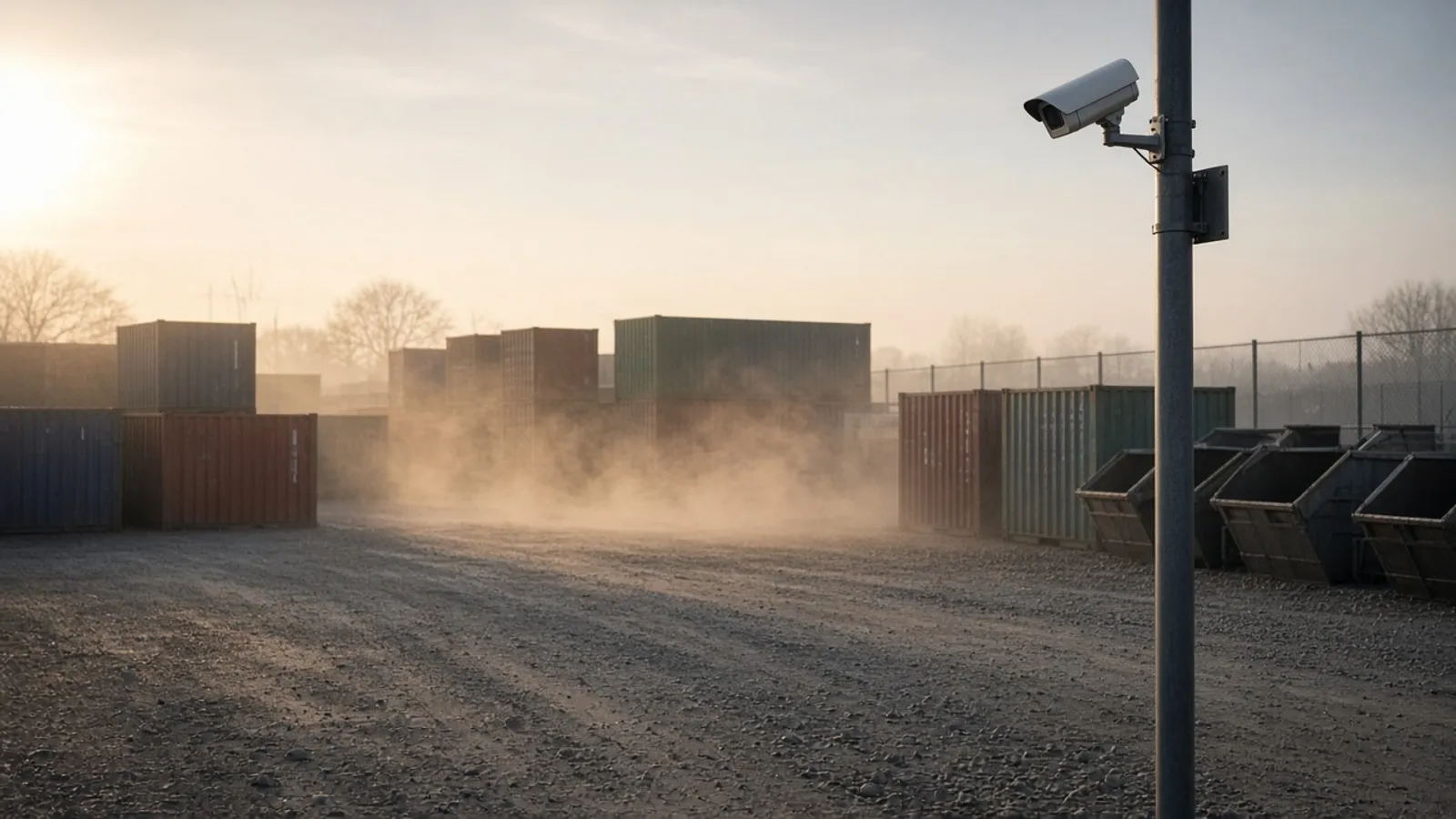
- Expect changes with the seasons. Low winter sun, autumn fog and summer dust each bring new conditions. Keep giving feedback as they appear.
- Tell us about changes on site. A new stockpile, a moved camera or new floodlights change what a camera sees.
How quickly things improve depends on the site, the cameras and how often feedback is given, so we do not put a number on it. What does not change is the direction: the more the system sees of your site, and the more you tell it, the better it understands what matters.
 Illustrative
Why a tailored model is worth having
An alert is only useful if people trust it enough to act on it.
When a generic system cries wolf, people mute it, ignore it or switch it off, and the cameras go back to recording footage that nobody watches until after the event. A model that learns your cameras and improves from your feedback is built to avoid that slide. It keeps alerts meaningful, so when the phone does go off at two in the morning, it is worth getting up for.
It also means you are not stuck with the weaknesses of a model trained somewhere else. If a particular camera keeps being fooled by something on your site, you have a direct way to fix it: tell the system, and the next round of retraining learns from it.
 Illustrative
New to the idea? Start with what is AI CCTV, then see how Woodcock AI works with your existing cameras.
What is self-learning AI CCTV?
It is AI video analytics that keeps improving on the cameras it actually watches. Woodcock AI learns the view from each of your cameras, and every detection carries a feedback button. When you mark an alert as right or wrong, that feedback is used to retrain the model for your site.
How is this different from a generic AI camera?
A generic model is trained once on footage from other places and then shipped unchanged. It has never seen your floodlights, your stockpiles or the steam from your vents. Woodcock AI is tailored to the cameras on your site, and your feedback keeps that tailoring up to date.
What does the feedback button do?
Each detection you receive includes a feedback button. Use it to tell the system whether the alert was real or not. That answer is saved with the clip and used when the model for your site is retrained.
Do I have to give feedback on every alert?
No. Alerts work whether or not you respond. Feedback simply helps the AI learn what matters on your site, so the more often you use it on wrong or borderline alerts, the more the model has to learn from.
Will it stop false alarms from fog, steam, dust and headlights?
No AI system can promise zero false alarms. Fog, steam, dust and headlights are the conditions that most often fool generic models, and they are exactly what learning your cameras and retraining on your feedback is designed to improve over time.
Do I need new cameras for self-learning AI?
Usually not. Woodcock AI works with existing CCTV cameras. A free site assessment checks which of your cameras can see the areas that matter.
Does the AI learn who people are?
No. Learning your site means learning what normal looks like on each camera, such as the light, the weather and the background. It is not facial recognition and does not identify individuals.
How do I get started?
Book a free site assessment. We look at your existing cameras and the risks you want covered, then explain what Woodcock AI can watch for on each view.
Put self-learning AI on your existing cameras
A free site assessment looks at your camera views and the conditions on your site, and explains what Woodcock AI can watch for on each one.
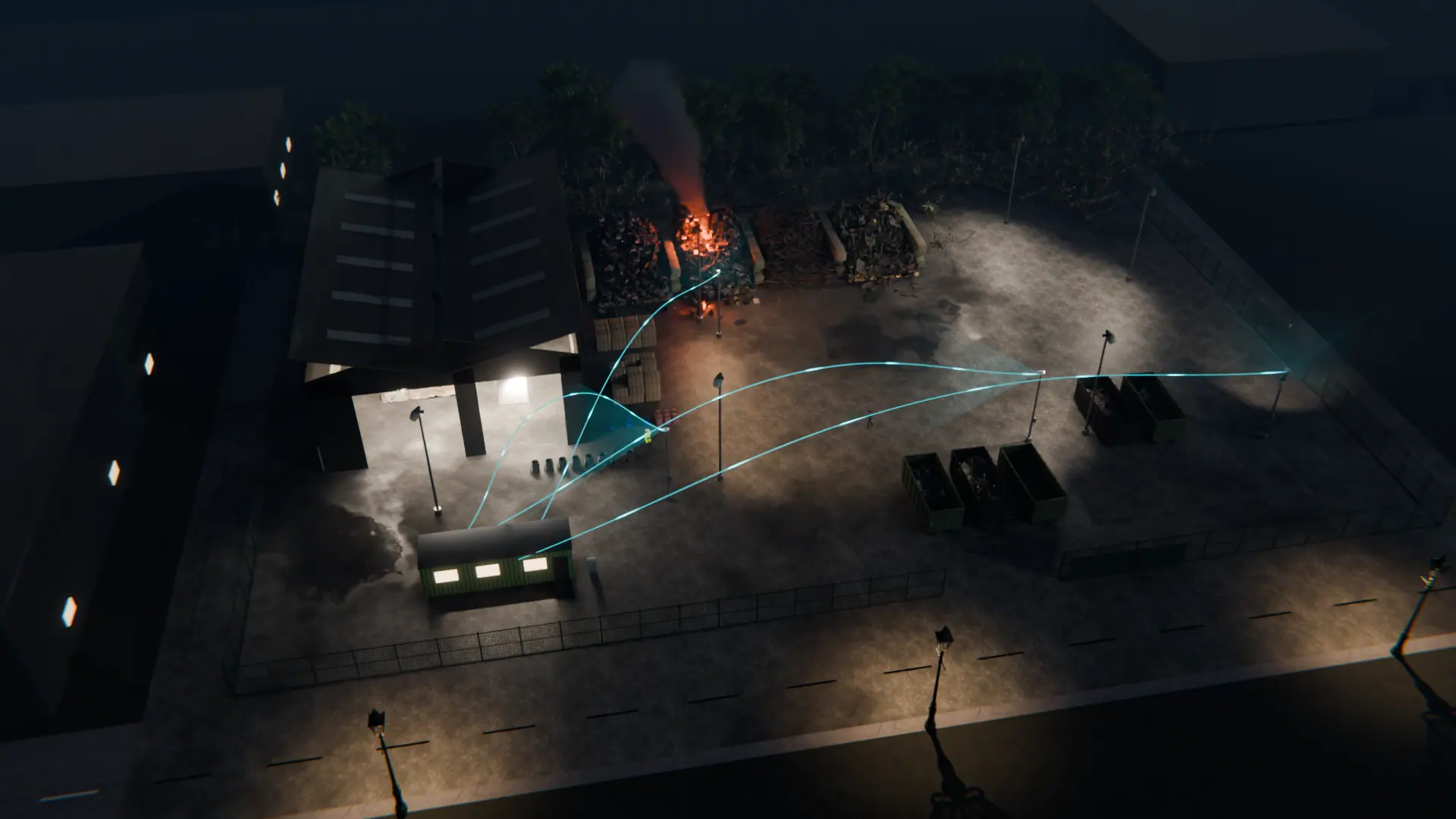
Illustrative 3D render