

Ask your cameras what happened
Updated
Short answer: with Woodcock AI you do not have to scrub through hours of footage. Every alert comes with a plain-English description of what happened, you can ask direct questions about what your cameras have seen in everyday language, and you can download the exact clip that answers your question.
Finding the moment that matters is the slow part of CCTV
Most sites have plenty of cameras recording plenty of footage. The hard part is getting an answer out of it.
When something goes wrong, the usual routine is familiar. Someone notices a damaged fence, a missing pallet or a skip that has been moved, and the questions start. When did it happen? Which camera saw it? Was it a vehicle or something else? Answering them means logging in to a recorder, picking a camera, guessing a time window and scrubbing back and forth through footage until the right moment appears. On a large site with many cameras, that can take a long time, and it often falls to whoever happens to know how the recorder works.
Alerts have a similar problem. A basic motion alert tells you that something changed in a camera view, but not what. You have to open the clip, watch it and work out for yourself whether it matters. At two in the morning, or in the middle of a busy shift, that is a lot to ask.
Woodcock AI changes both sides of this. It describes what happened in plain English, and it lets you ask your cameras about it directly.
 Illustrative
Every alert explains what happened
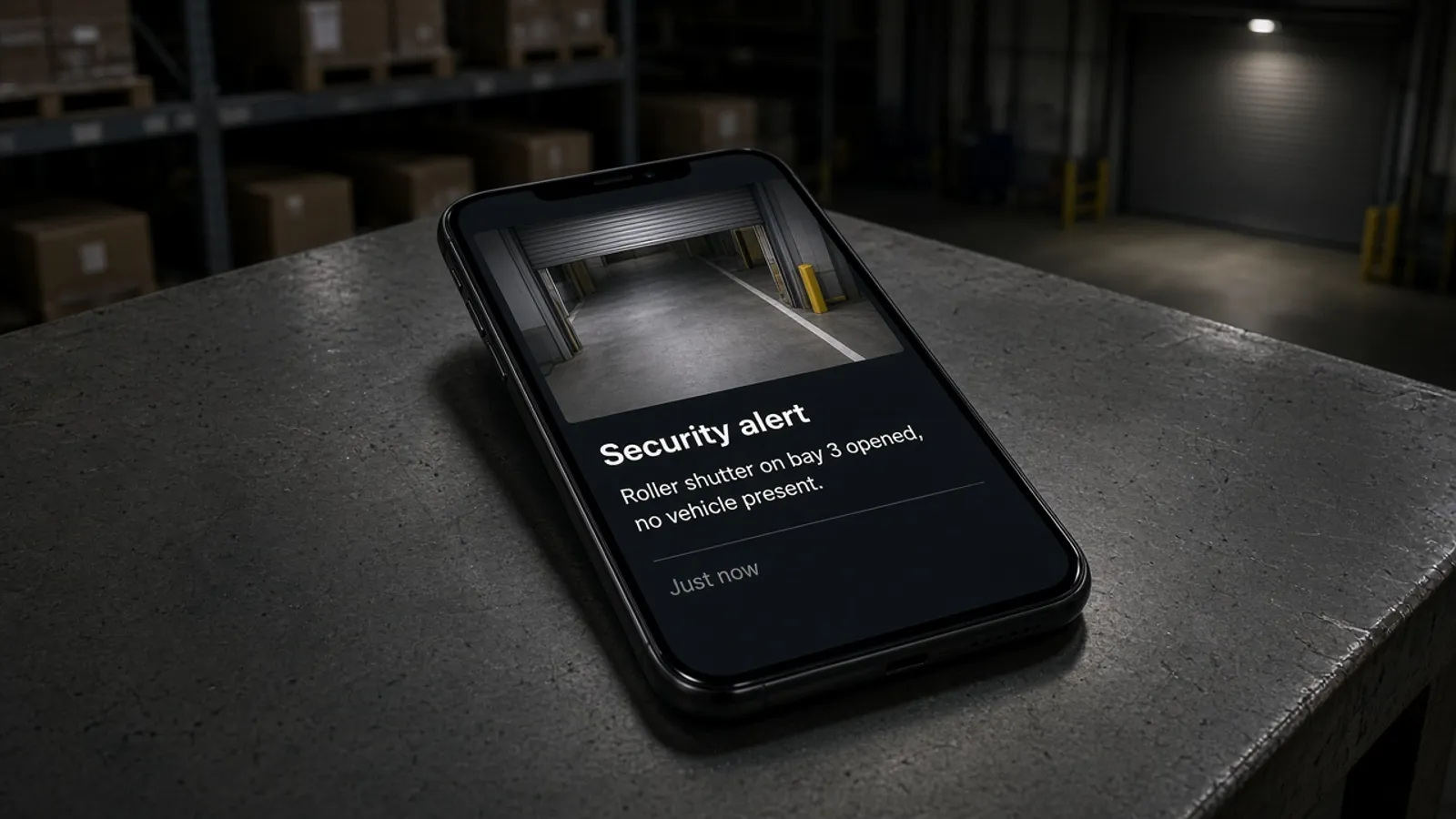
Each Woodcock AI alert arrives with a short, plain-English description of the event alongside the clip.
Instead of a bare notification, you get a sentence you can read at a glance, describing what the camera saw. That makes it much quicker to decide what to do next. If the description tells you a vehicle has driven into a closed yard, you know to look straight away. If it tells you something routine, you can check the clip when it suits you.
Plain-English descriptions also make alerts easier to share. You can pass one on to a colleague, a keyholder or a manager without needing to explain what they are looking at, because the alert already says it. Anyone who receives it understands the event, even if they have never used a CCTV recorder.
Descriptions sit alongside everything else Woodcock AI does, from smoke and fire detection to intrusion detection, and they work on the cameras you already have. See how it works for the full picture, from camera to alert.
 Illustrative
Ask direct questions about your footage
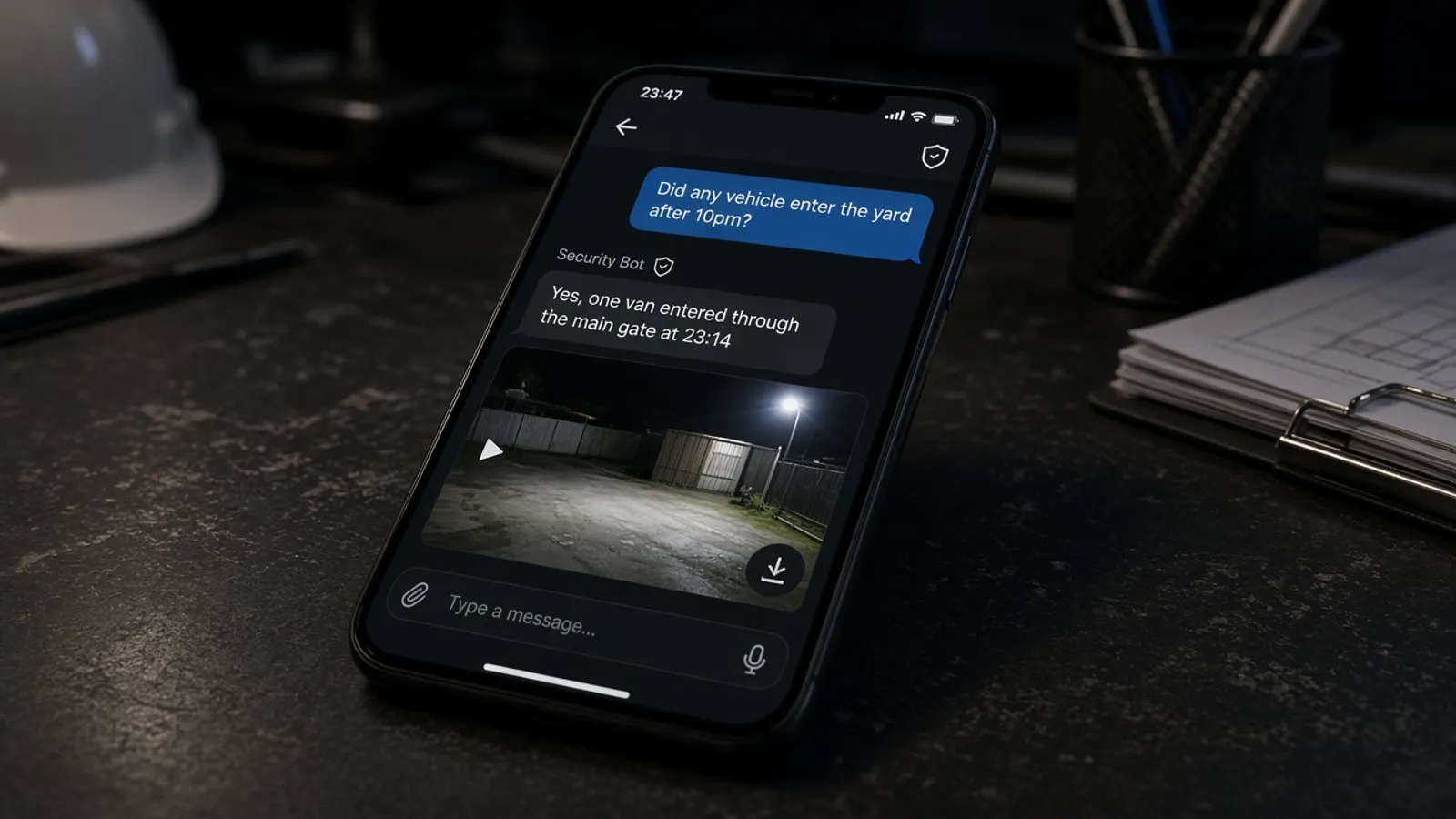
You can ask Woodcock AI direct questions about what your cameras have seen, in the same everyday language you would use with a colleague.
There is no need to know camera numbers, recorder menus or exact timestamps. Type the question the way it comes to you, such as whether anything came through the gate after you locked up, or when a shutter was opened, and the answer comes back in plain English. If you know roughly when or where something happened, mentioning it helps narrow the answer down, but you do not have to.
This is useful well beyond incidents. Questions can help you check that a delivery arrived, see whether a gate was left open, or confirm that a quiet weekend really was quiet. Because anyone can ask a question in plain words, getting answers from your CCTV no longer depends on the one person who knows how the recorder works.
New to AI on CCTV? Our guide to what AI CCTV is explains the basics in plain English.
See how questions would work on your cameras
A free site assessment looks at your existing camera views and what you want to keep an eye on.
Example questions and answers
These examples are illustrative. They show the kind of question you can ask and the kind of answer you get back; they are not taken from a real site.
QuestionDid anything come through the main gate after we locked up last night?
AnswerYes. One van came through the main gate late in the evening and left a few minutes later. Here is the clip.
Matching clip, ready to download
QuestionWas there any smoke near the skip line this weekend?
AnswerNo smoke was detected near the skip line over the weekend. The only alert on that camera was steam from the wash bay on Saturday morning.
Matching clip, ready to download
QuestionShow me when the roller shutter on the loading bay opened today.
AnswerThe loading bay shutter opened twice today, once in the morning and once in the afternoon. Both clips are below, ready to download.
Matching clip, ready to download
QuestionDid a vehicle park in front of the fire exit overnight?
AnswerYes. A car was parked across the fire exit for part of the night. The clip shows it arriving and leaving.
Matching clip, ready to download
Download the exact clip you need
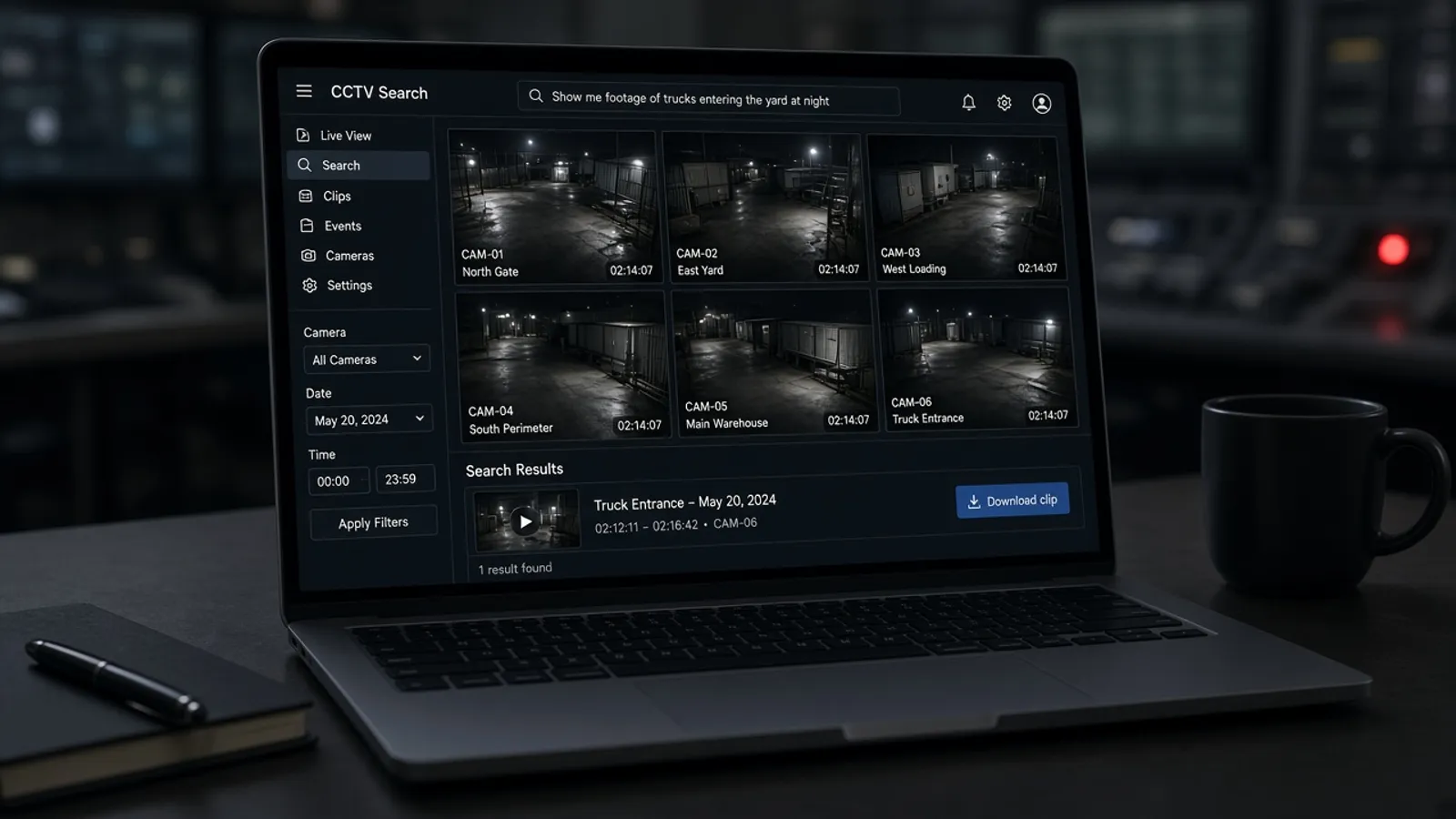
When you ask about footage, you can download the matching clip, so the answer and the evidence arrive together.
That saves the slowest part of the old routine: finding the start and end of an event, exporting it from the recorder and getting the file to whoever needs it. Instead, the clip that answers your question is ready to download and keep. You can store it with your own records, attach it to an incident report or pass it on to your insurer or the police if they ask for it.
If you are thinking about how footage is shared and kept, our guide to AI CCTV and GDPR covers footage requests, sharing and retention for UK businesses.
 Illustrative
Alerts, questions and clips in one place
Descriptions, questions and clip downloads work alongside the rest of Woodcock AI.
Alerts tell you about events as they happen, each with a plain-English description and the clip. Questions let you look back and ask about anything your cameras have seen. Clip downloads give you the footage that goes with each answer. Underneath, the AI is tailored to your site: it learns your cameras and retrains from your feedback, and you can set alert schedules for each camera so alerts arrive when they are useful.
All of it runs on the CCTV you already have, with processing on a Woodcock AI edge server on your site or in the cloud.
 Illustrative
Can I ask my CCTV questions in plain English?
Yes. With Woodcock AI you can type a direct question about what your cameras have seen, in everyday language, and get an answer back with the matching clip.
What are plain-English alert descriptions?
Every alert comes with a short written description of what happened, so you can understand the event before you even play the clip.
Can I download the clip that answers my question?
Yes. When you ask about footage, you can download the matching clip, ready to keep for your records or share with whoever needs it.
Do I need to know camera names or timestamps to search?
No. You ask the question the way you would ask a colleague. Adding a time or an area of the site can help narrow things down, but it is not required.
Are the example questions on this page real?
No. The questions and answers on this page are illustrative examples written to show the kind of thing you can ask. They are not taken from a real site.
Does it identify people?
No. Answers describe what happened, such as a vehicle arriving or a shutter opening. It is not facial recognition and does not identify who someone is.
Does it work with my existing cameras?
Woodcock AI works with existing CCTV cameras. A free site assessment checks which of your cameras can see the areas that matter.
How do I get started?
Book a free site assessment. We look at your existing cameras and what you want to keep an eye on, then show you how alerts and questions would work on your site.
Start asking your cameras what happened
A free site assessment looks at your existing camera views and shows how alerts, questions and clip downloads would work on your site.
Illustrative 3D render